Browse your artists and explore their songs and albums
Artists in the menu gathers your songs by artist, so you can see at a glance whose songs you play and how many of each. From an artist you can also explore their whole catalogue, their popular songs, albums and singles, and add the songs you don't have yet. It's a good way to fill out the second set when the landlord wants more of the same, or to find the deep cut your singer keeps mentioning. Browsing an artist's catalogue needs an internet connection.
Updated
Your artists
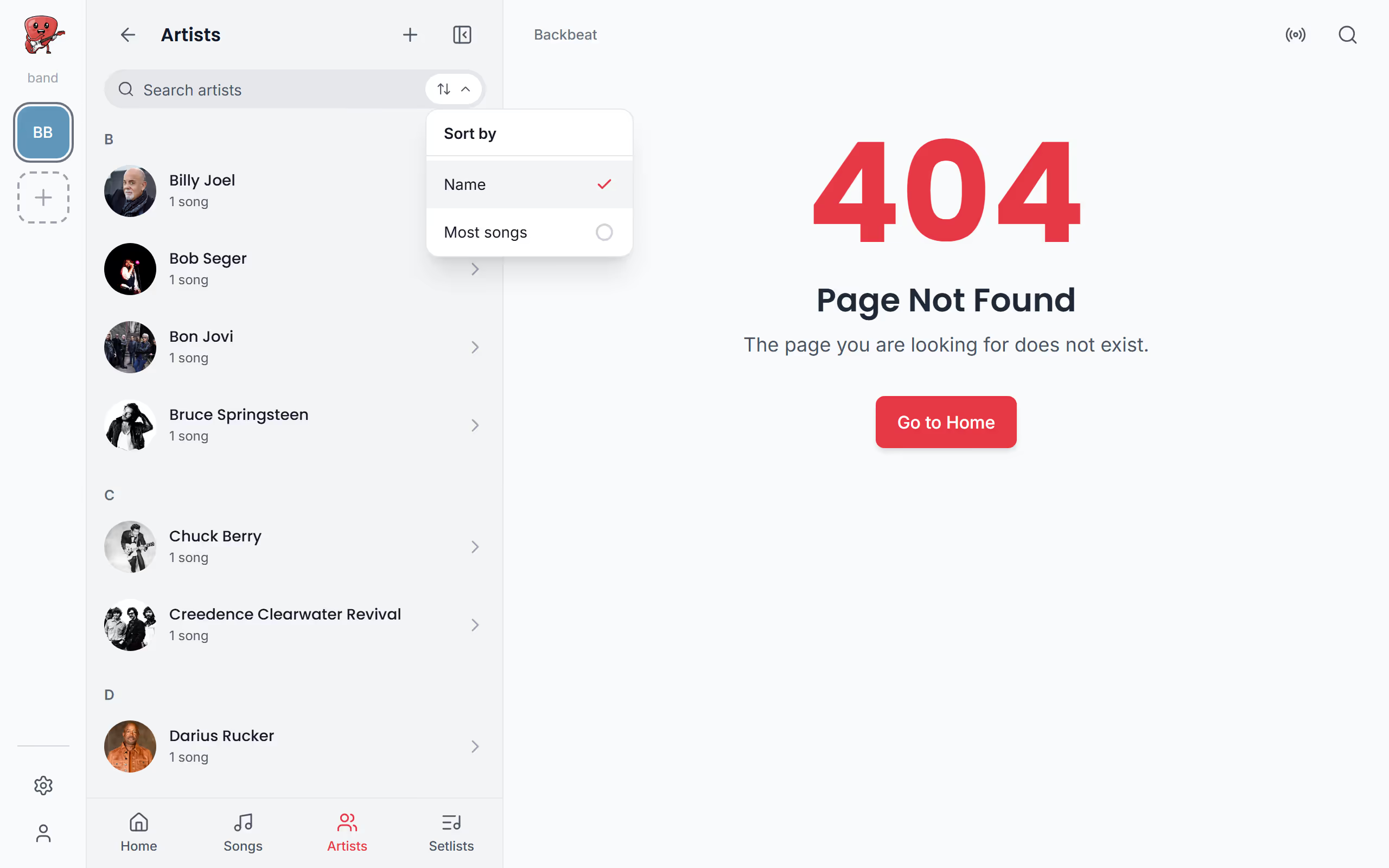
Artists in the menu lists every artist you have songs by. Sort by Name to find one quickly, or by Most songs to see whose songs make up most of your repertoire. Tap an artist to see your songs by them, and open any of them as you would from the song library.
Explore an artist's songs and albums
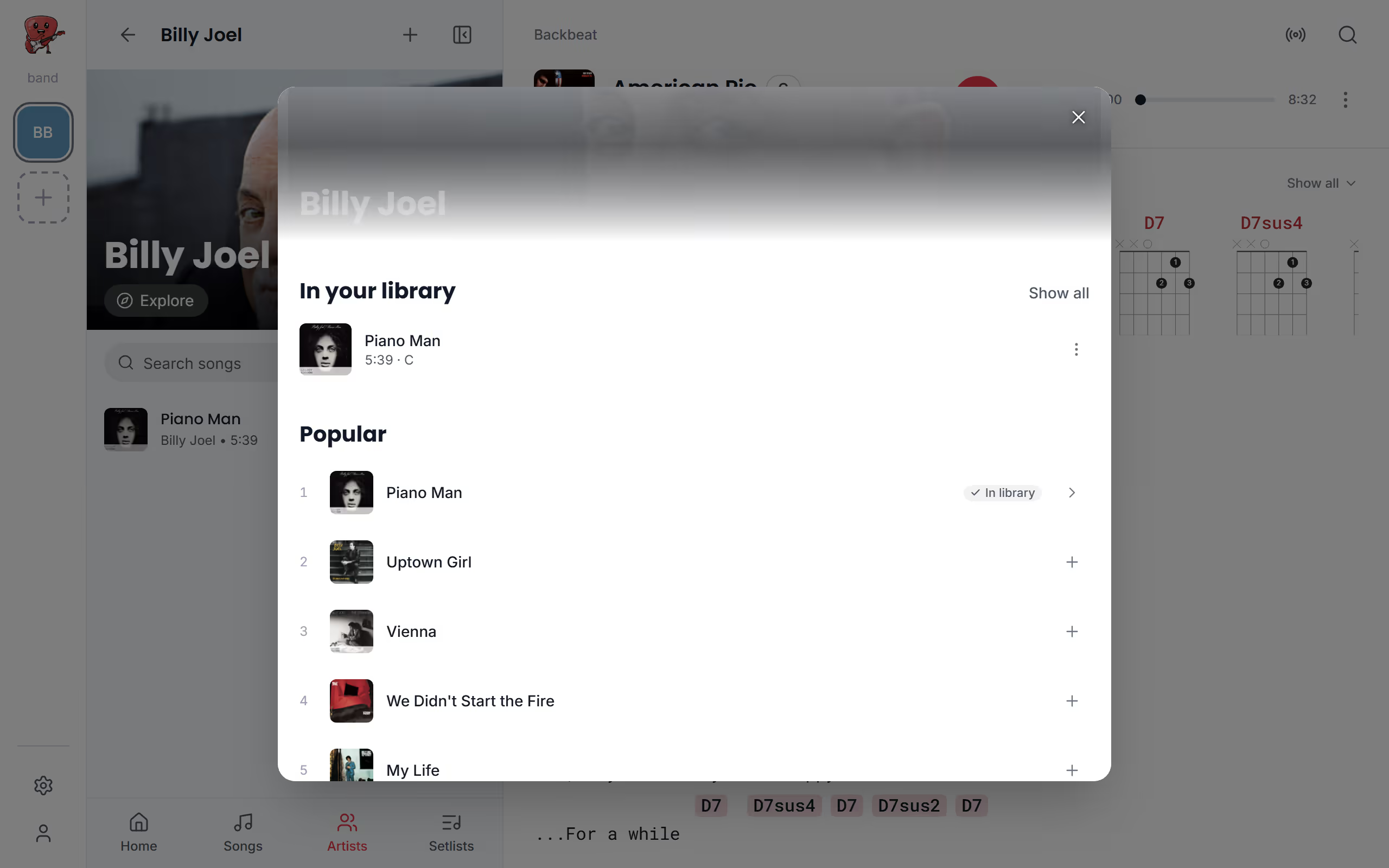
When you want more than the songs you already have, Explore opens the artist's page. At the top, In your library holds your songs by them, followed by their Popular songs, the Latest release and all their Releases, which you can filter by Albums, Singles and EPs or Compilations. A song you already have is marked In library, and the + beside any other song adds it to your library. To find one song in a long career, search the artist's songs at the top of the page.
Preview a song before you add it
Before a song goes into your library you can try it out. Tap a song on the artist's page to open the song's own page, and for a song you don't have, Find lyrics & chords looks them up. Then you can try it in another key with Key up and Key down, step through Other versions until the chart matches the way you play it, and tap Add to library to keep it. Until you do, nothing is added, so it's an easy way to check whether a song suits your singer before you commit.
Go from a song to its artist or album
It also works the other way round, from a song you're playing to everything around it. In a song's three dots, Go to artist opens the artist's page, and Go to album opens the album the song is on, with all its tracks and Add songs to add several at once. Go to album is there for songs linked to Spotify, which songs added from the web usually are. Once you've added a few new songs, transpose them to your singer's key or put them straight into a setlist.
Questions
- Can I browse artists offline?
- Your own songs by an artist are on your device and open offline, but browsing an artist's catalogue needs an internet connection. See What works offline.