Appearance: theme, text and chords
On stage the song has to be readable from where you stand, often in poor light and at arm's length or more. Stage Friend lets you set the theme, the text and the chords to suit your eyes and the room, and change one song on its own when it needs it.
These settings are kept on each device, so the tablet on the music stand can look different from your phone. Start with the theme, then make the lyrics big enough and the chords easy to spot.
In this topic
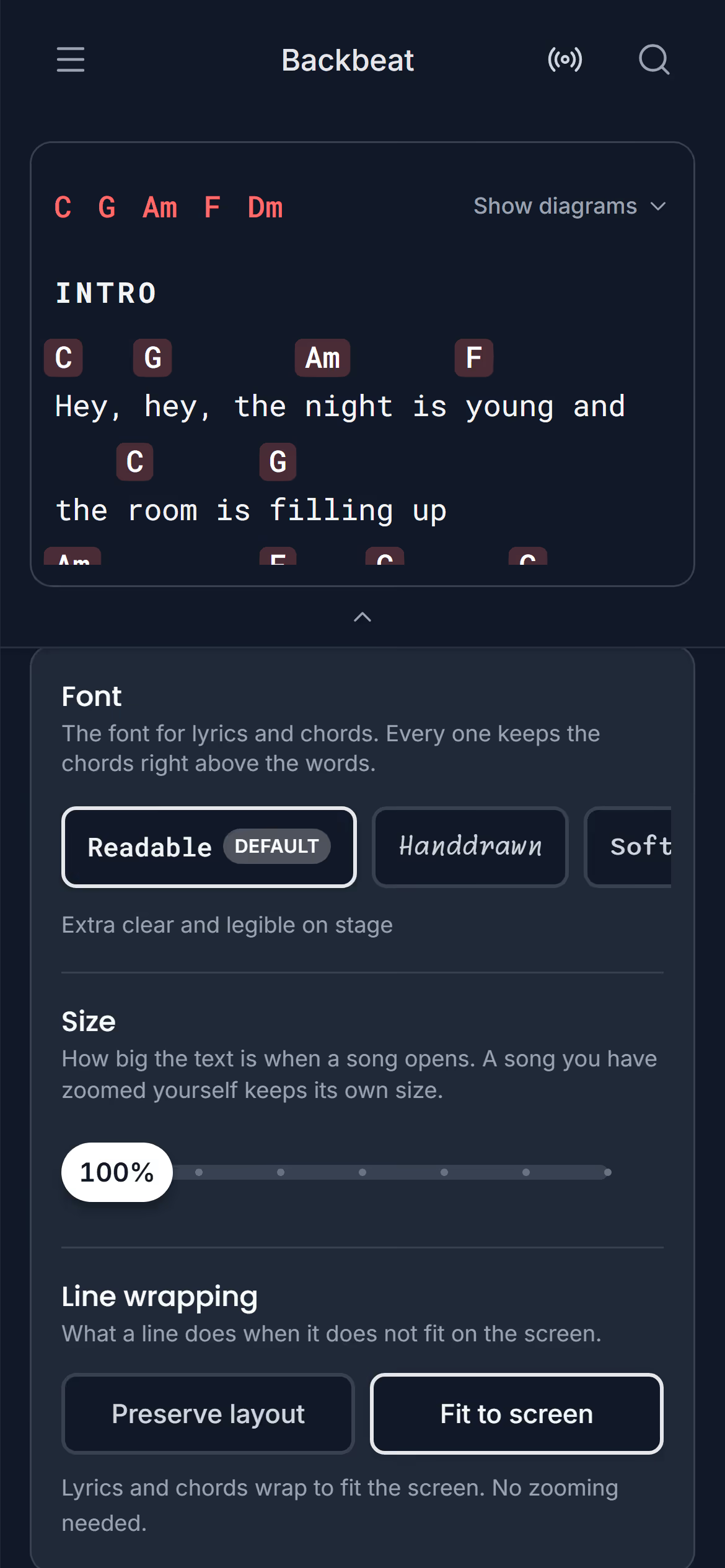
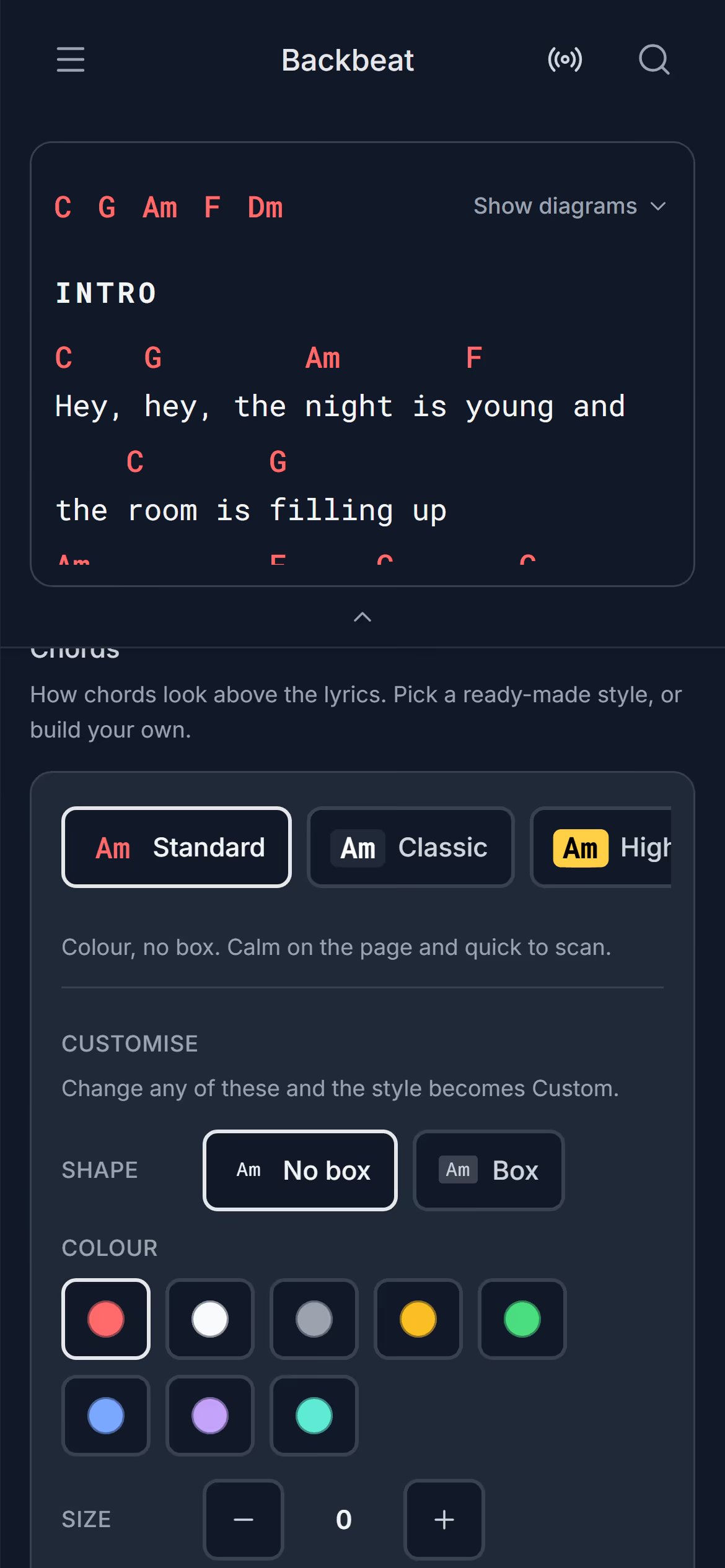
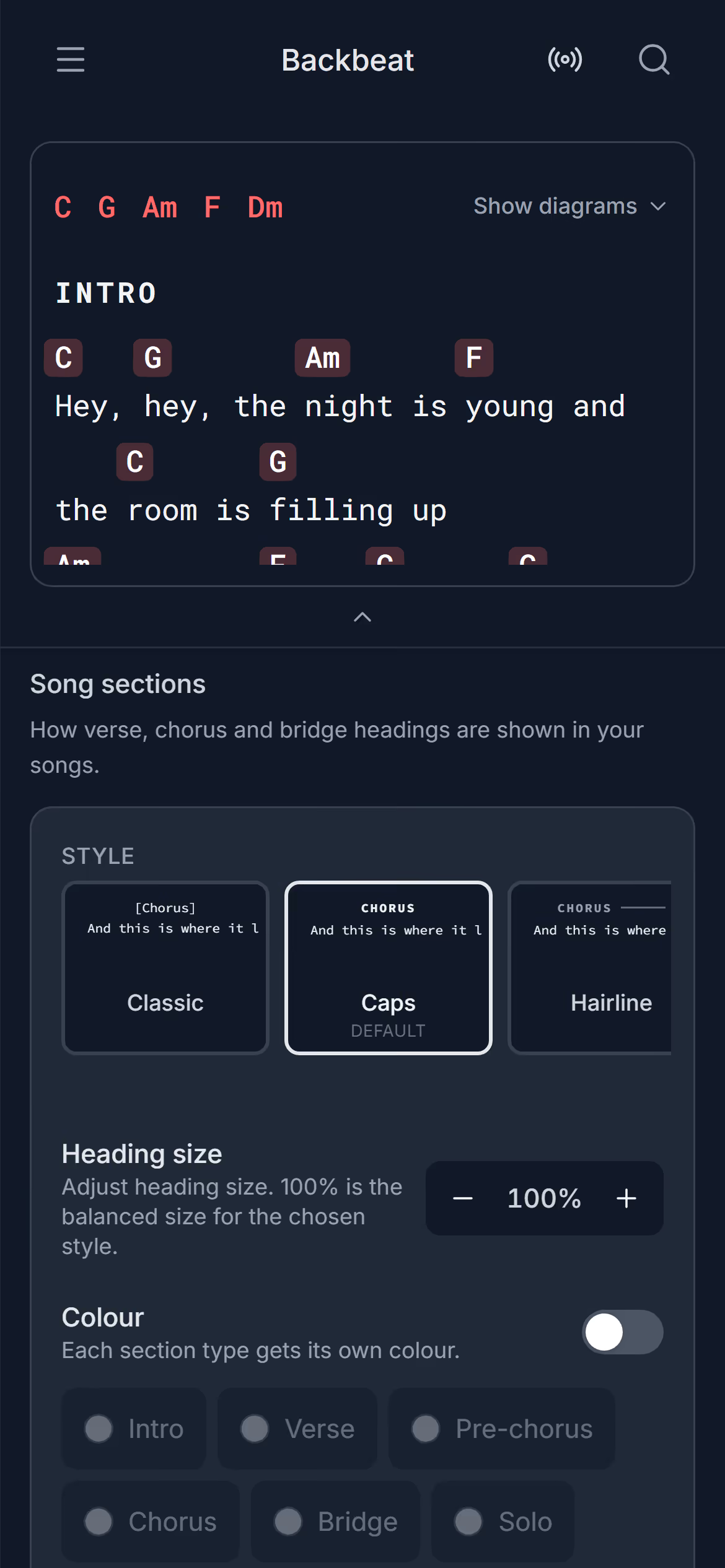
ThemeStage Friend has three themes, Light, Dark and Stage, and Stage is an extra dark theme with the highest text contrast, made for playing live in a dim room. A bright white screen on a dark stage glares in your eyes and lights up your face for the whole room, which is why a dark theme suits a gig. The theme is under Settings, Appearance, and each device keeps its own, so the tablet on the music stand can run Stage while your phone stays light.Choose a themeLyricsYou can make lyrics and chords bigger in Stage Friend for one song or for every song, pick a font made for reading on stage, and choose whether long lines wrap. The music stand is rarely where you'd like it, and a song that is easy to read in your hand can be too small a metre and a half away. The standard settings are under Settings, Text and chords, where a preview shows each change as you make it, and a song you zoom on the chords and lyrics page keeps its own size.Make one song bigger · Fit the song to the screen, or pick an exact size · Set the size every song opens at · Choose a font · Wrap long lines, or keep the layoutChordsIn Stage Friend you choose how chords look above the lyrics: a ready style such as High contrast, or your own colour, box, size and weight. Chords need to jump out when you glance down mid-strum, without crowding the words the singer is reading. The styles are under Settings, Text and chords, with a preview, and the same place decides whether chords, lyrics and chord diagrams show when a song opens.Pick a chord style · Make your own style · Show chords and diagrams when a song opens · Change one song onlySong sectionsIn Stage Friend you choose how the headings of a song's sections, such as verse, chorus and bridge, look on the page: the style, the size and a colour for each kind of section. Clear headings are how you find your place again after a solo or when the singer jumps back to the chorus. The settings are under Settings, Text and chords, in Song sections, with a preview, and they apply to every song on the device. To mark the sections in a song in the first place, see Mark the verses and choruses.Choose a section style · Make the headings bigger or smaller · Give each section its own colourLanguageStage Friend is available in two languages, English and Swedish, and you can switch between them at any time. The first time it opens, it picks Swedish if your phone or browser is set to Swedish, and English otherwise. The setting is under Settings, Appearance, below the theme. Each device keeps its own, so a Swedish band can hand the stand-in guitarist a tablet in English.Change the language
Next topicOffline, sync and your data