The gig page: setlist, set times, requests and votes
The gig page in Stage Friend gathers everything about one show in four tabs: the setlist with its set times, the settings for your audience, and the requests and votes they send. It's where you plan the night before the show and keep an eye on the room during it. The setlist can show the clock time each song starts, so you know before the night whether the set fits your slot.
Updated
The four tabs
The tabs follow the night from your side to the audience's. Setlist is the gig's songs in playing order, with the set times. Configuration holds what your audience can do on the public page, with Show setlist, Vote on songs and Song requests, and below them the Gig address and Arranger / Venue. Requests and Votes then show what the audience asked for, so between sets you can see which song the room wants. For how voting and requests work, see Audience voting and Song requests.
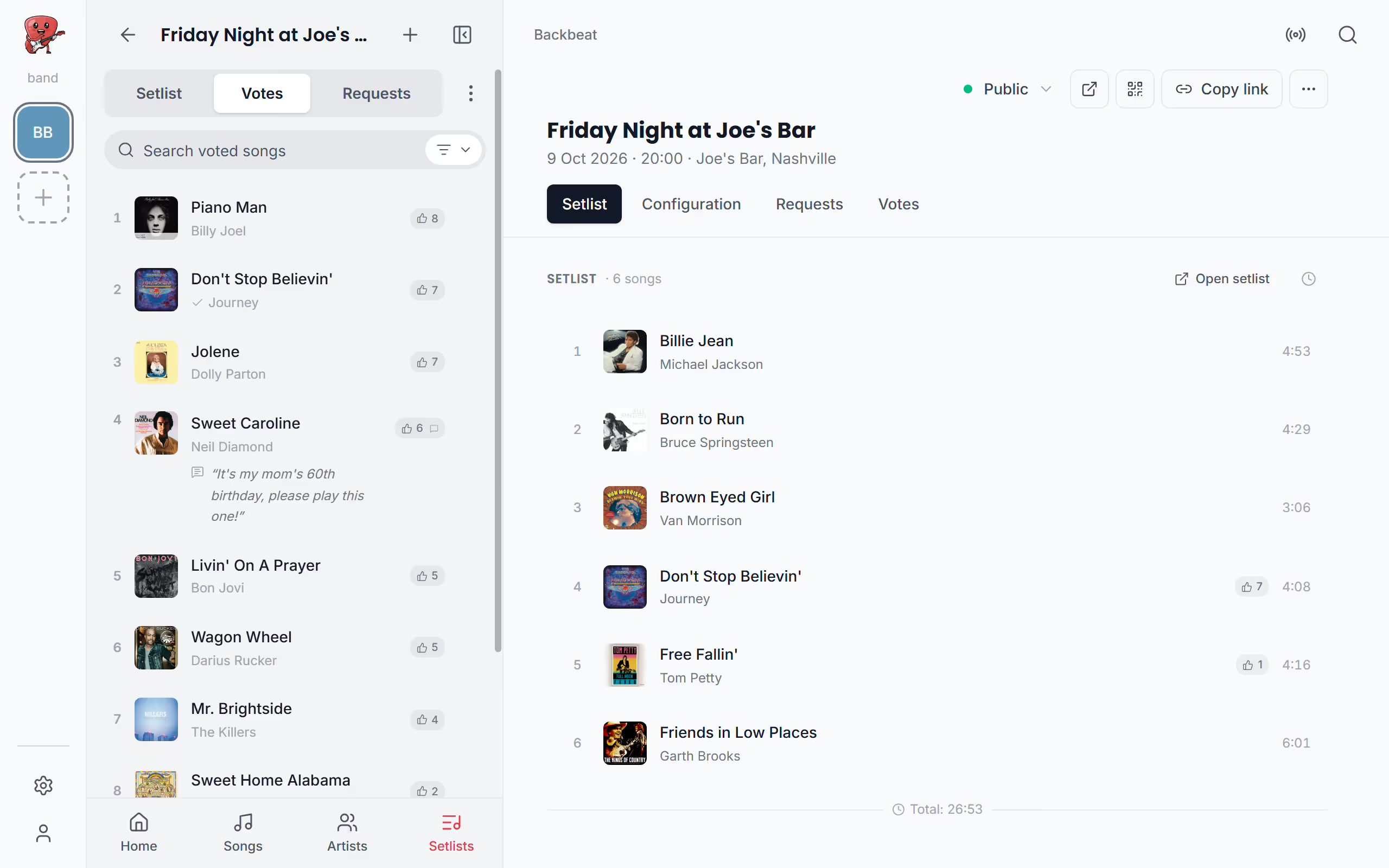
See when each song starts
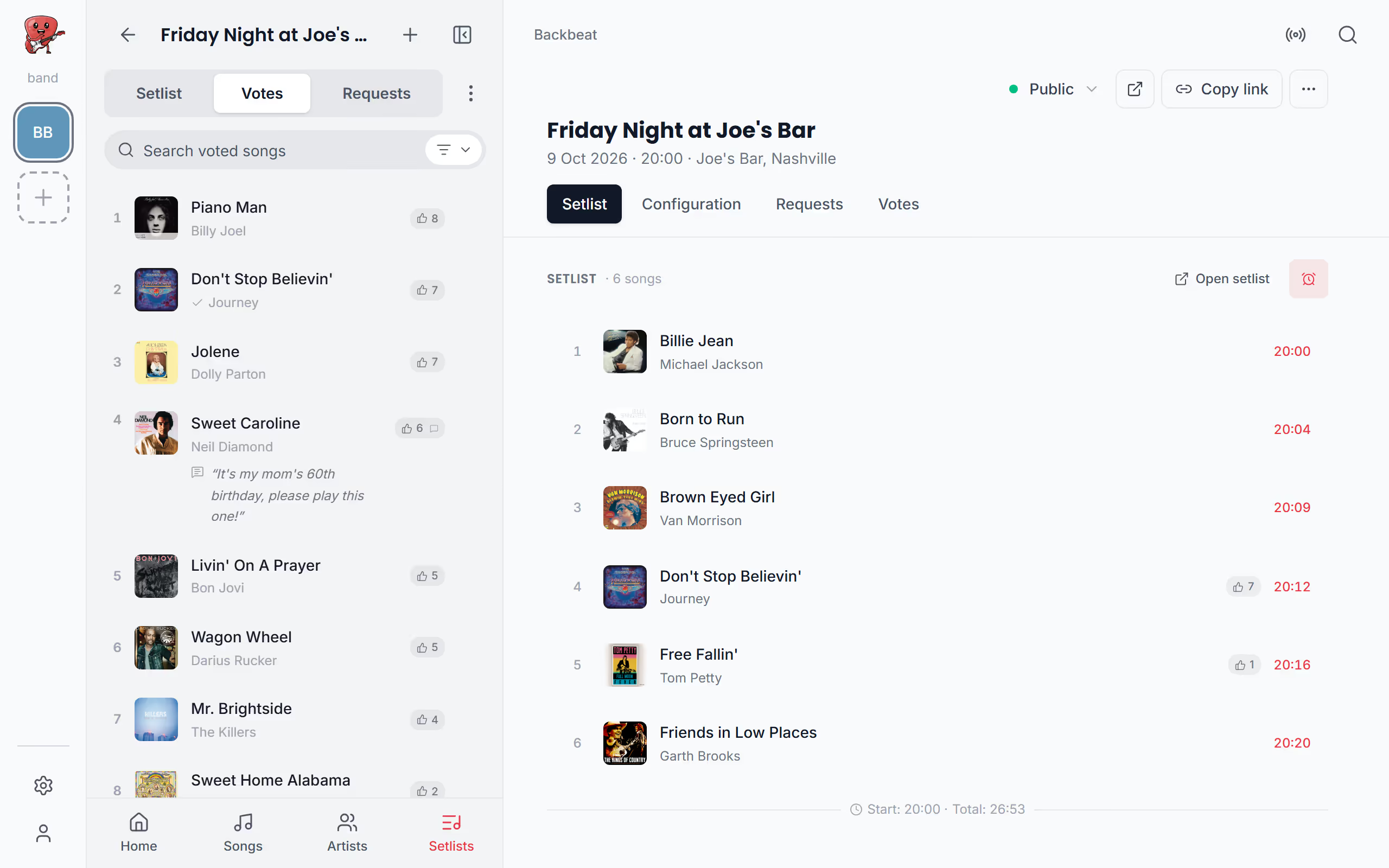
When the venue gives you a slot, you want to know if the set fits it. The clock on the Setlist tab switches between each song's length and the time it starts, counted from the gig's start time, so you can see that the last song begins at 23:40 and not after the curfew. The bottom line always shows the Total, the length of the whole set, and with the clock times on it shows the Start as well. The times are only as good as the songs' lengths, so give each song a length on its chords and lyrics page if it doesn't have one.
Fill the gig's setlist
A gig's setlist is an ordinary setlist, so you add songs to it, order them and split them into sets the same way; see Add songs to it. While it's empty, the gig page offers two ways in: Open setlist opens it in the menu, ready for + and Add songs, and Import from setlist copies the songs and sets of a setlist you already have, so you take it from there. The empty setlist in the menu has the same pair, Add song to setlist and Choose setlist to copy.
Songs can also arrive one at a time: a song's Add to Setlist lists the gig's setlist with the others, and a song the audience voted for or requested can go straight in from the Votes or Requests tab. Once the set is ready, it's time to play the gig and check the songs off as you go.
Questions
- Can my audience see the gig's setlist?
- Yes, if the gig is public and Show setlist is on under Configuration, your audience sees the songs on the gig's public page. See Share your gig.
- Why are the start times wrong?
- The start times add up the songs' lengths from the gig's start time, so a song without a length makes every later time too early. Set each song's length and check the gig's start time.