Your songbook: songs, chords and lyrics
Stage Friend is your songbook: every song opens on its chord sheet, with the chords right above the lyrics and big enough to read from the music stand. From there you can move the whole song to another key, look up how to play any chord on guitar or piano, write and fix chords in the song editor, play along with the recording and print a clean chord chart. The pages below go through those tools in the order most people meet them, starting with the song library, where every song lives.
In this topic
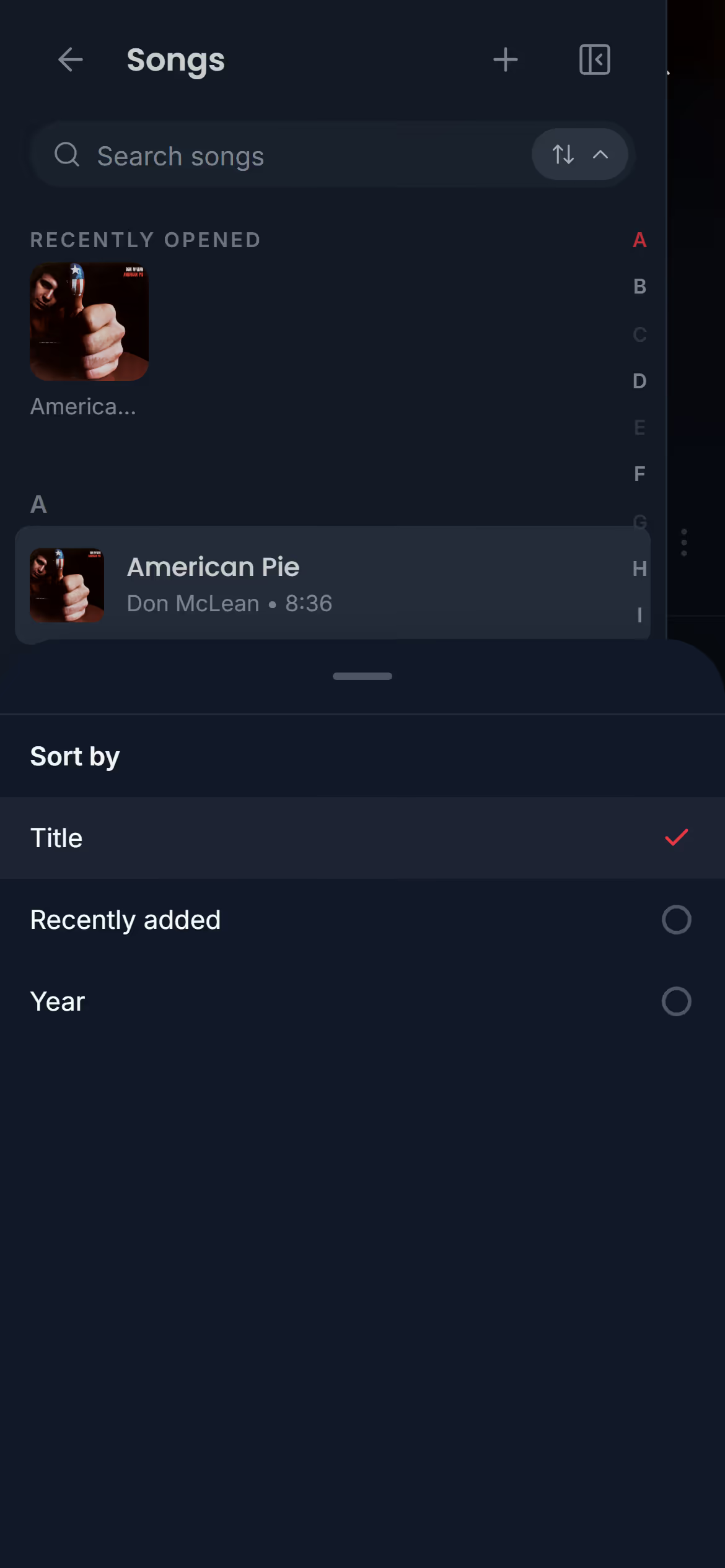
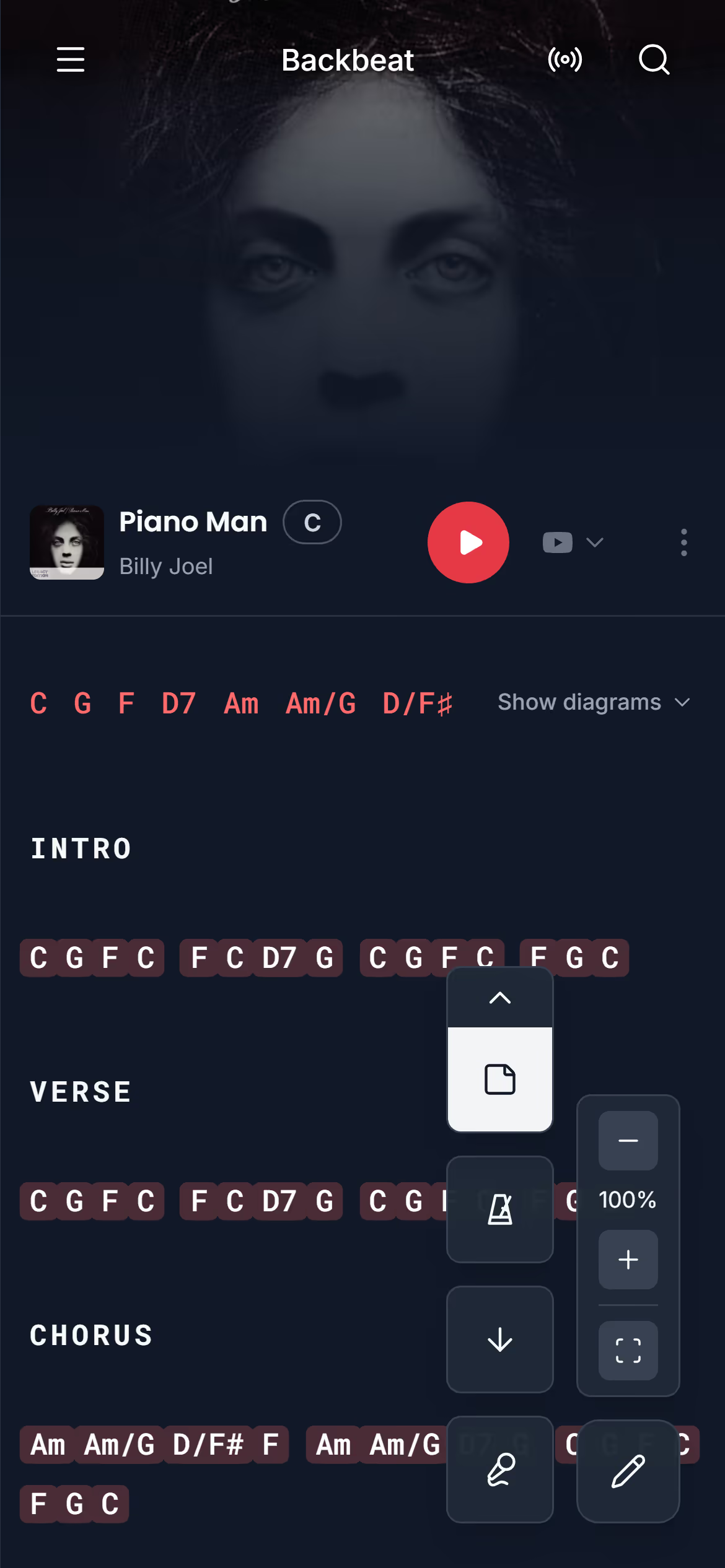
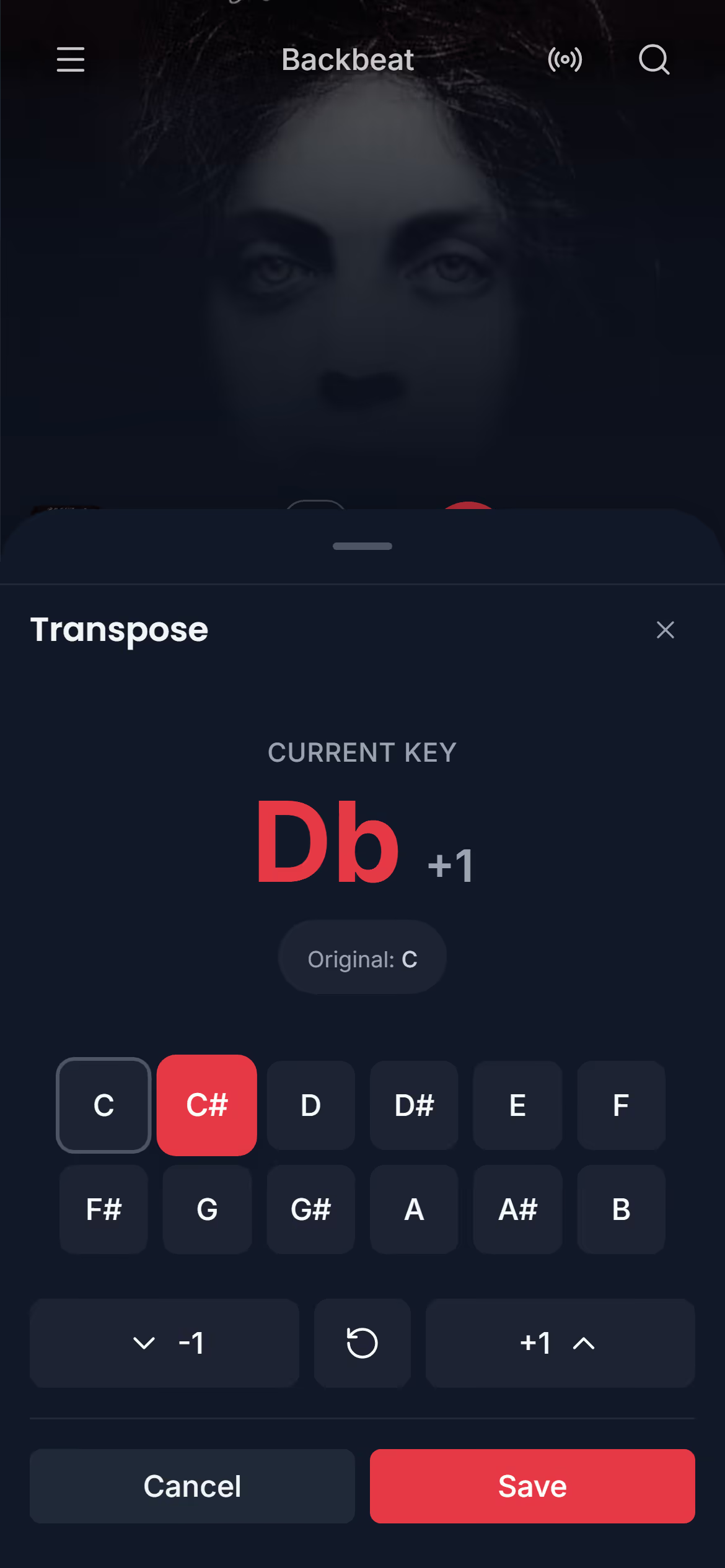
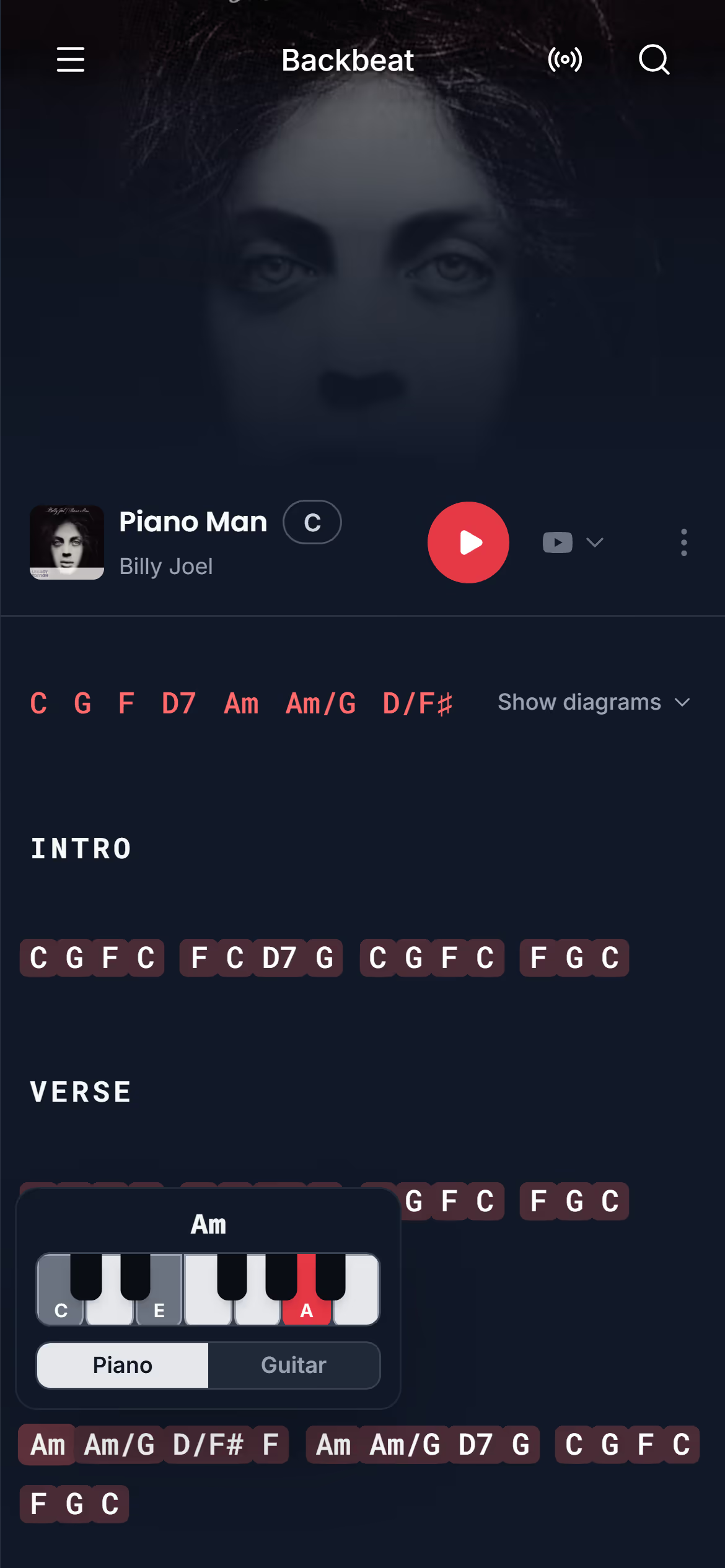
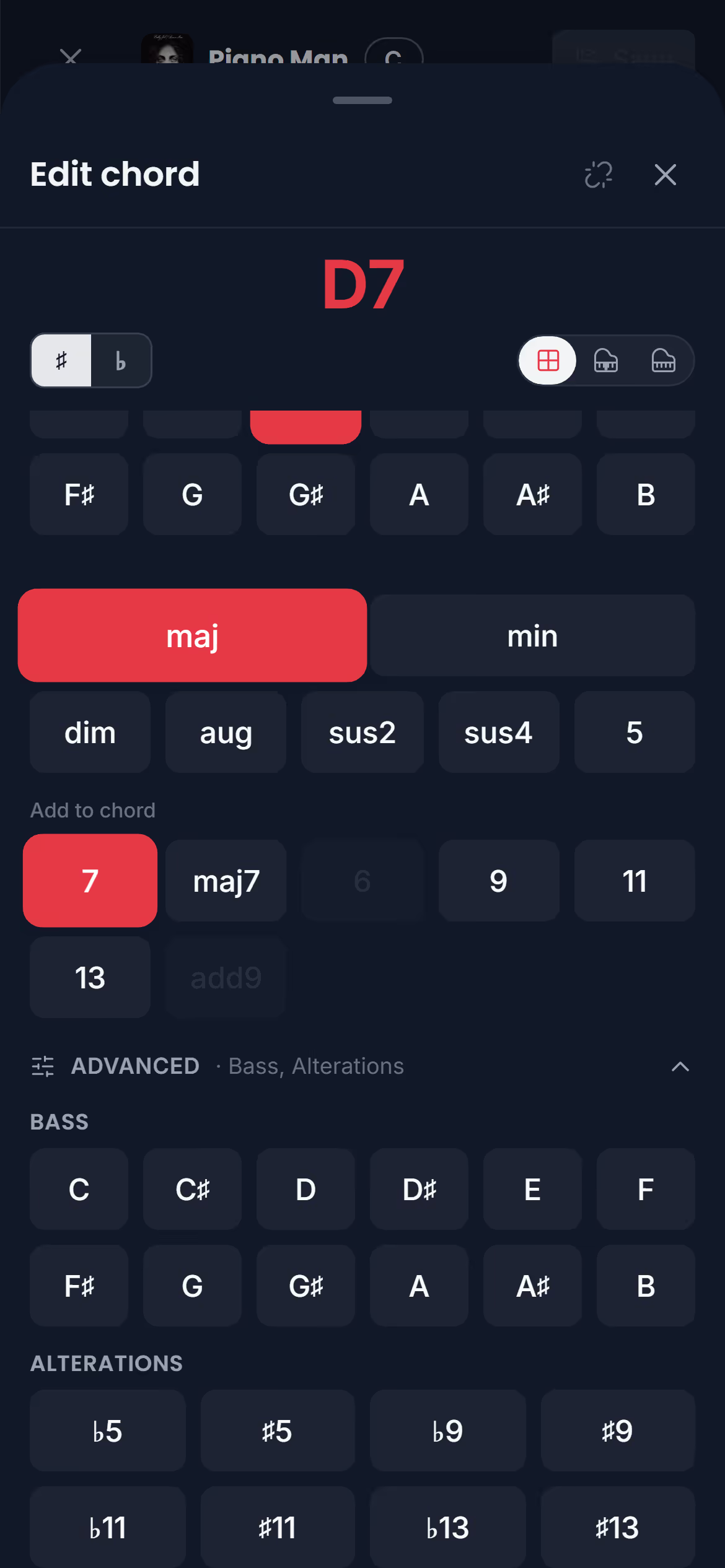
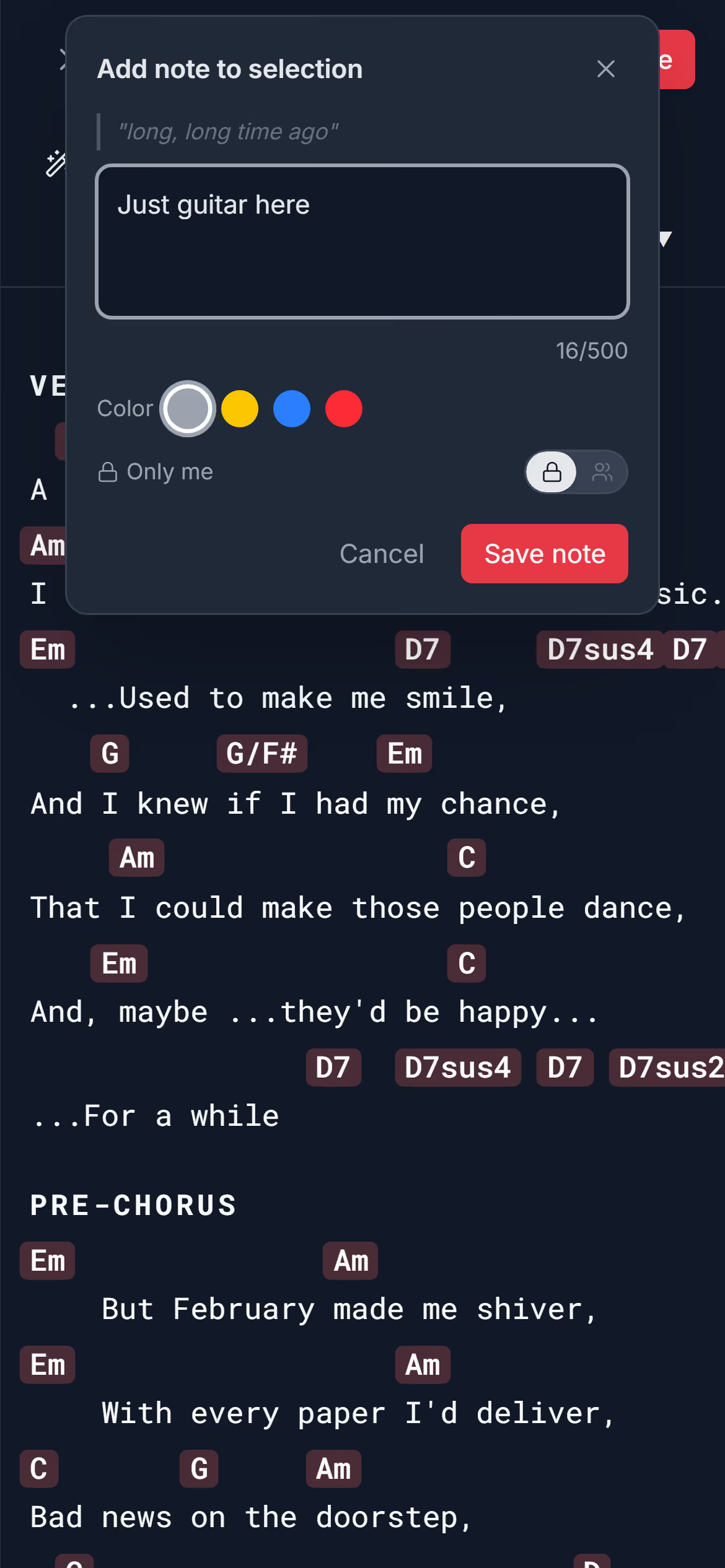
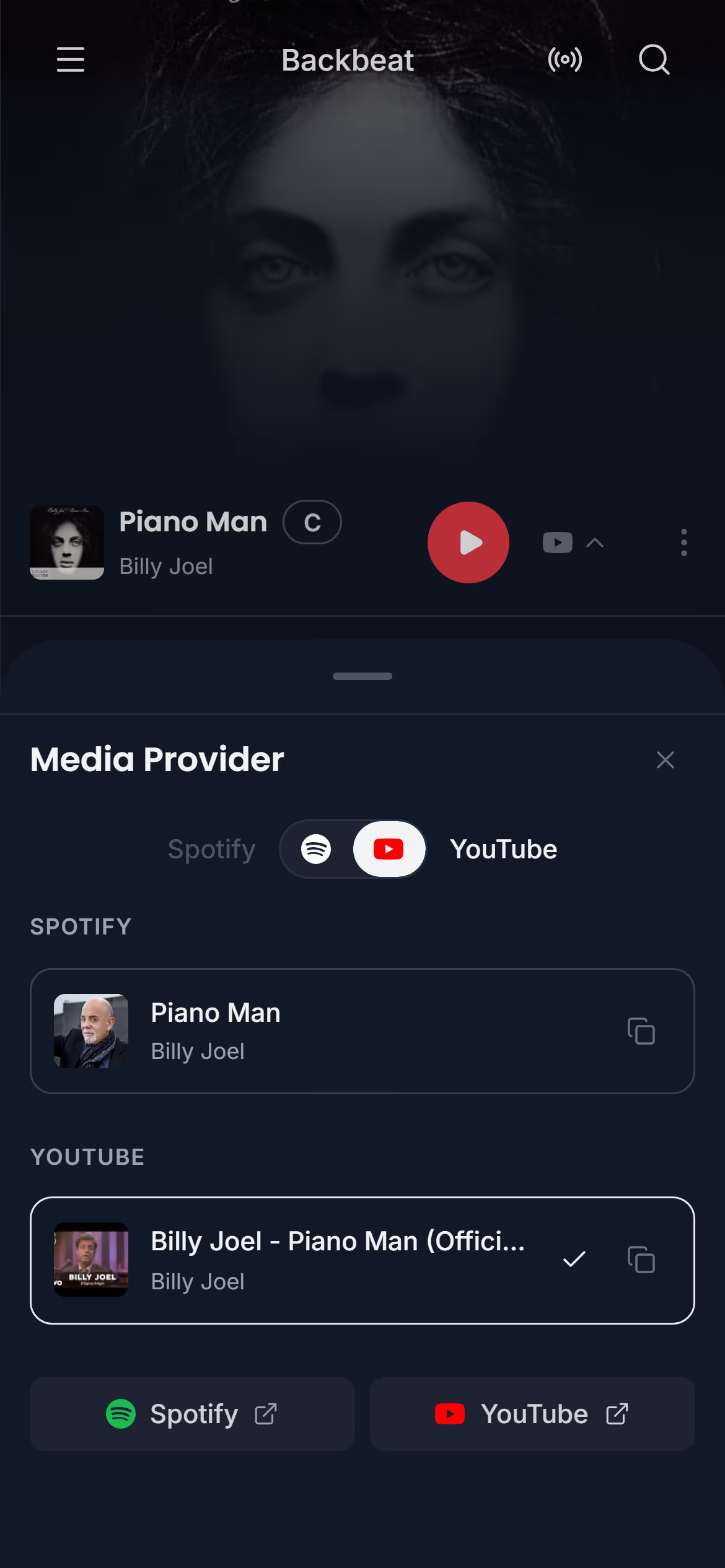
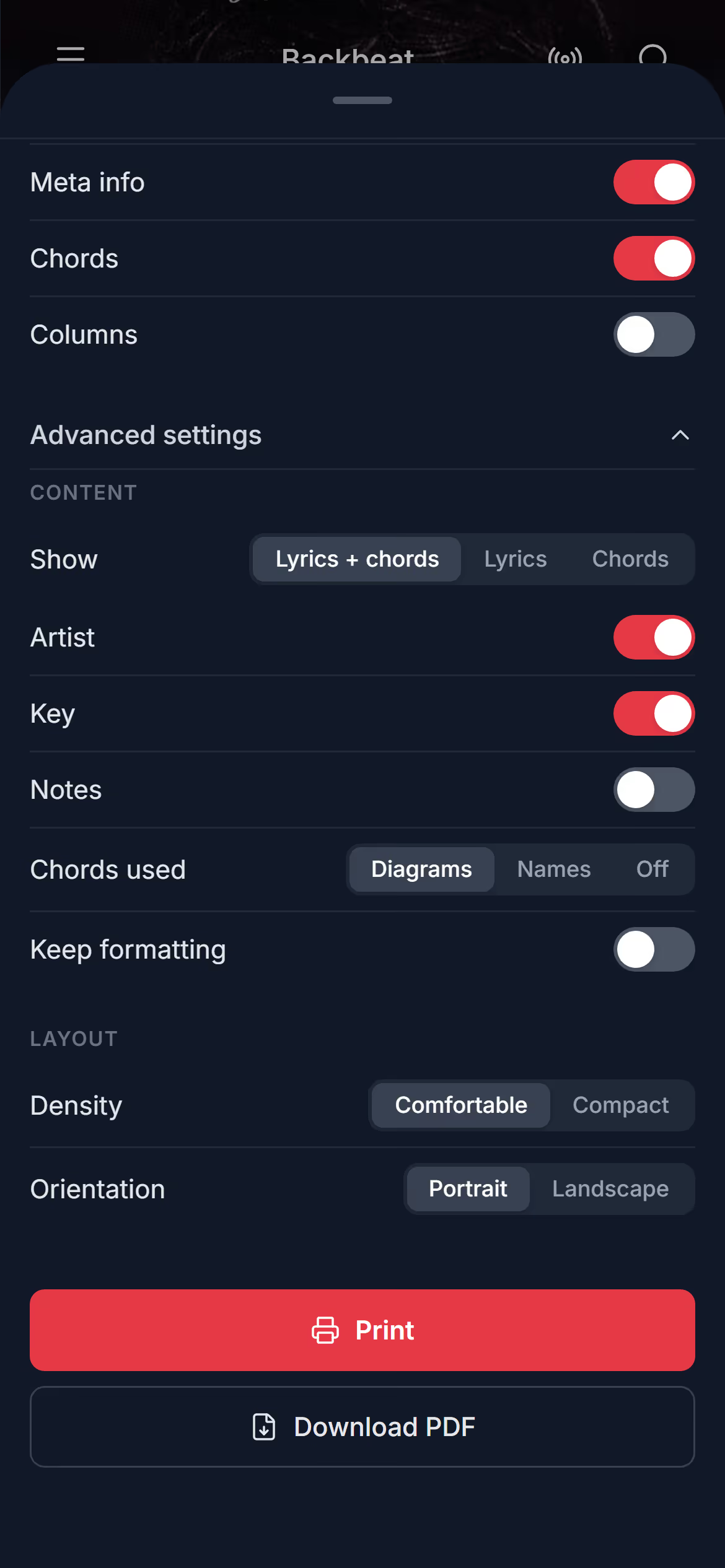
Song libraryYour song library is the list under Songs in the menu: every song in the band you have open, with its chords and lyrics. From here you open a song, find it again by searching or sorting, add new songs with chords found on the web or written by you, and delete the ones you've stopped playing. If your songs live in another app today, you can bring them across instead of adding them one at a time.Open a song · Find the songs you opened last · Search your songs · Sort your songs · Add a song · Pick another version · Paste a song from a website · Write a song yourself · Imports on the free plan: how many songs · Delete a songSong pageThe chords and lyrics page is where every song opens in Stage Friend: the chords right above the words, big enough to read from a music stand or a tablet on the floor. It's the page you play from, so the controls stay out of the way until you ask for them. Each tool on the page, like transpose and autoscroll, has its own page in this help.What is on the chords and lyrics page · Swipe to the next song · Keep the menu open beside the song · Set the song's length · See who wrote a songArtistsArtists in the menu gathers your songs by artist, so you can see at a glance whose songs you play and how many of each. From an artist you can also explore their whole catalogue, their popular songs, albums and singles, and add the songs you don't have yet. It's a good way to fill out the second set when the landlord wants more of the same, or to find the deep cut your singer keeps mentioning. Browsing an artist's catalogue needs an internet connection.Your artists · Explore an artist's songs and albums · Preview a song before you add it · Go from a song to its artist or albumTransposeTransposing moves every chord in a song up or down by the same number of half steps, so you can sing or play it in a key that suits you. In Stage Friend it takes a tap on the key beside the song's title, and every chord in the song changes at once, spelled with sharps or flats to suit the new key. Musicians reach for it when the singer wants a song a tone lower, when a chart is written in a key nobody plays it in, or when a capo makes the shapes easier. It's on every plan, the free one included, and the original key is always one tap away.Change the key · Go back to the original key · Change the key while you edit · Play with a capo · A new key is for the whole bandChord diagramsStage Friend shows a guitar or piano chord diagram for every chord in a song, so you can check a shape without leaving the chords and lyrics page. Tap one chord to see how it's played, or show the diagrams for every chord in the song at once, the way a chord chart lists them at the top. There's nothing to set up: the diagrams come from the chords already in the song, and they change with them when you transpose. It's handy for the bridge chord you play twice a year, or for a bandmate learning the song on keys.Show the chord diagrams · Switch between guitar and piano · Change the fingering · Hide the diagramsSong editorThe song editor is where you make and fix chord sheets in Stage Friend, and it keeps every chord above the word it belongs to, so you never line chords up with spaces again. Use it to correct a lyric the web version got wrong, write out your own song, colour the lines each singer takes, mark the verses and choruses, and copy chords from one part of a song to another. Everyone in your band sees the change once you save. Adding and changing the chords themselves has its own page, the chord editor.Start editing · The editor's toolbar · Make words bold, or give them a colour · The toolbar by your selection · Undo and redo · Mark the verses and choruses · Rename, change or remove a section · Copy chords from one song onto another · Turn typed chord names into chordsChord editorThe chord editor builds any chord with a few taps: the note, the kind of chord and what to add to it, from a plain G to a D/F# or an E7#9. It opens when you add a chord or tap one while you're editing the song, and the song changes as you tap, so you see the chord in place before you move on. A chord has no save of its own: it's kept or thrown away with the rest of your edits when you tap Save or Cancel. On a computer or a tablet the editor opens beside the chord, and on a phone it slides up from the bottom of the screen.Add a chord · Pick the note and the kind of chord · Slash chords and altered chords · Build a chord on the piano · Move a chord to another word · Turn a chord back into textNotesNotes in Stage Friend sit right on the words they are about: a cue for the break, a reminder to hold back in the second verse, or who sings which line. You can keep a note to yourself or share it with the whole band, give it a colour, and choose how notes show on the chords and lyrics page. Notes need Solo Pro, and notes the band sees need Stage Pro. They're a lighter touch than editing the song: the words and chords stay as they are, and the note sits on top.Write a note · Keep it private or share it with the band · Change, move or delete a note · Show or hide notesPlayerStage Friend can play the original recording from Spotify or YouTube right on the chord sheet, so you can practise along while you read the chords. It's the quickest way to learn a new song for Saturday: the record in your ears, the chart in front of you, and no switching between apps. Playing inside the app needs Solo Pro or Stage Pro, while opening the song in Spotify or YouTube works on every plan, the free one included. What you hear depends on your device, and this page explains why.Play the song · Where it plays · Choose Spotify or YouTube · Open the song in Spotify or YouTube · Keep playing while you browseExportStage Friend turns any song into a clean PDF chord chart that you can print, send to a bandmate or keep in a folder for the night the tablet battery dies. Exporting is free on every plan, and a preview of the page updates as you change the paper, the font size and what's on it. In the PDF the chords stay above their words, and the song is printed in the key it's saved in, so transpose and save first if your singer needs it lower. For a whole set on paper, see Share a setlist.Make a PDF of a song · Choose what the PDF shows
Questions
- Does Stage Friend have the chords and lyrics for my songs?
- Stage Friend finds chords and lyrics for most songs: search for a song and it looks them up on chord sites on the web and places each chord above the right word. For anything it can't find, paste the chords from another site or write them yourself. See Add a song.
- Can I make my own chord sheets?
- Yes, Stage Friend has a song editor for your own chord sheets. Write or paste the lyrics, then put the chords above the words with the chord editor, and each chord stays on its word when the line wraps or the key changes. See the song editor and the chord editor.