How guests vote and request songs
On a Stage Friend gig page, guests vote for the songs they want to hear, add a greeting, request songs that aren't on the list and swipe through the songs one at a time, all in their phone's browser. Read this before you share the link, or use it to explain the page when someone at the bar asks how it works. What guests can do depends on what you turned on under Configuration.
Updated
What your guests see
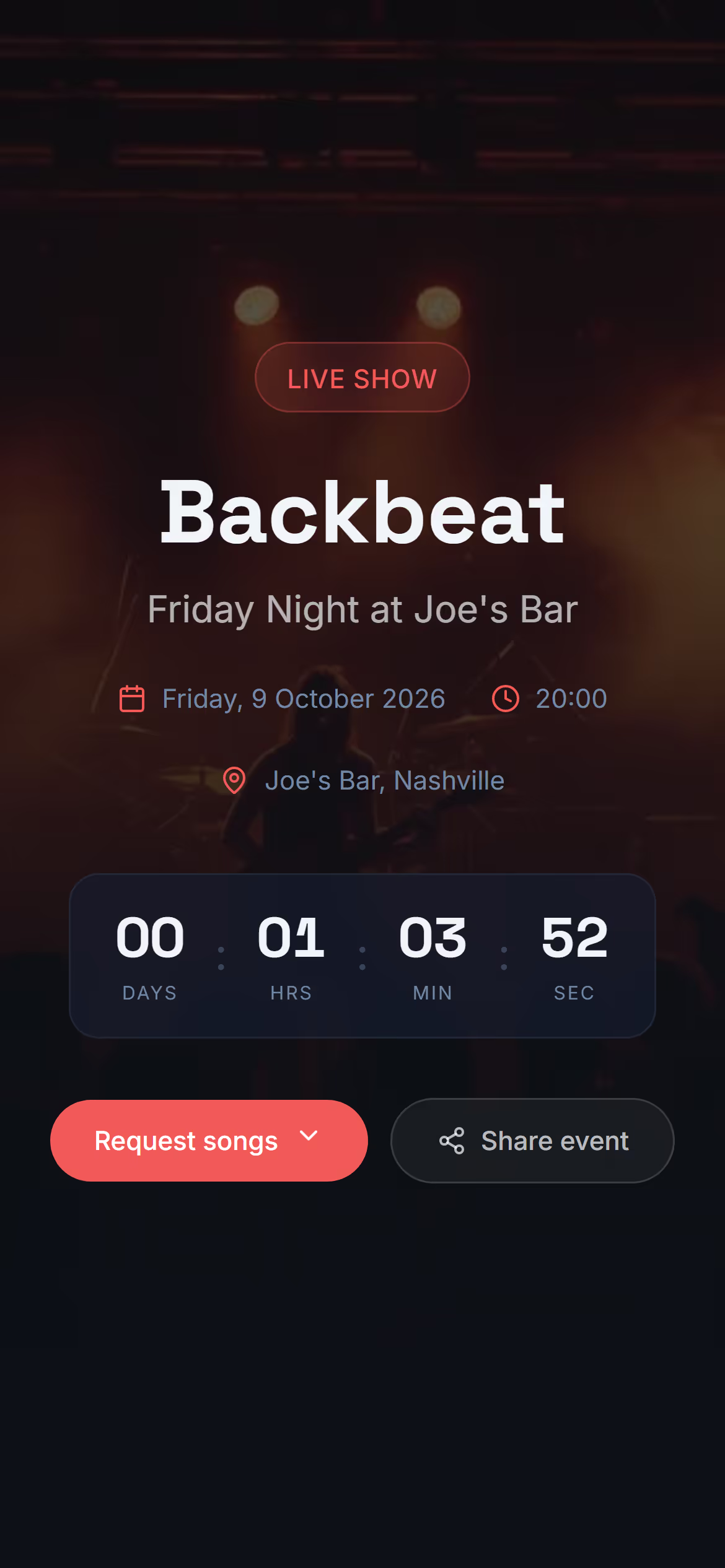
Guests open the link and land on the gig itself: its title, date and place with a countdown to the start, a button to share the page with friends, and a map when you added a venue. Below that comes what you turned on under Configuration: your setlist, their own requests, and the songs they can vote on with a search to find or request songs. They need no app and no account, which matters at a gig, where people decide in seconds whether to bother. Open public page in the gig's three dots shows the page exactly as your guests see it, so check it once before the doors open.
Vote for a song
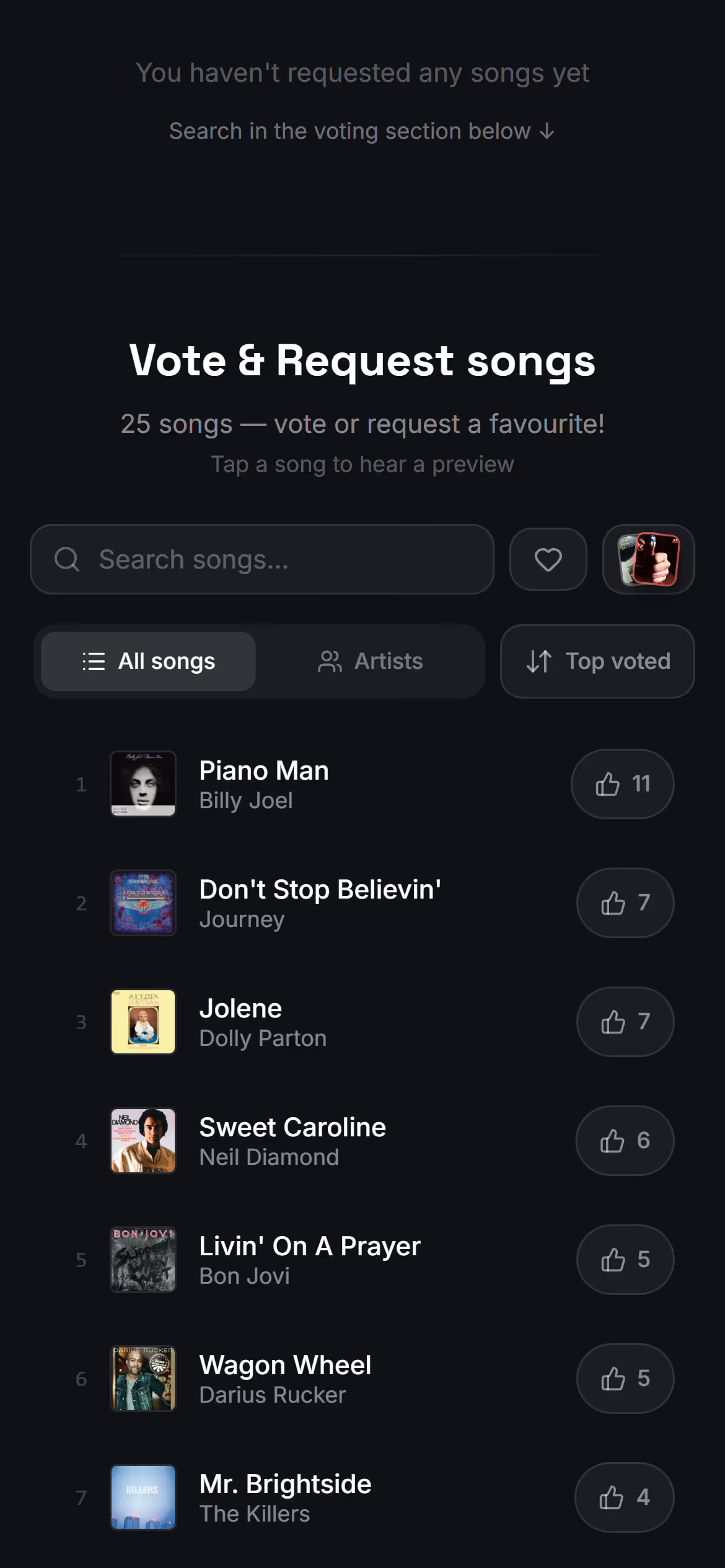
Voting is a tap. Guests tap the thumbs up with the count beside a song to vote for it, and tap again to take the vote back, with one vote per song in their browser, for as many songs as they like. A song linked to Spotify plays a short preview when they tap it, which helps when they only half remember the title. The list can be sorted by votes or A to Z, shown by artist, and searched, which helps when the band knows a hundred songs. Counts move as the room votes, but the list only reorders when the guest asks it to, so nobody loses their place while scrolling.
Add a greeting
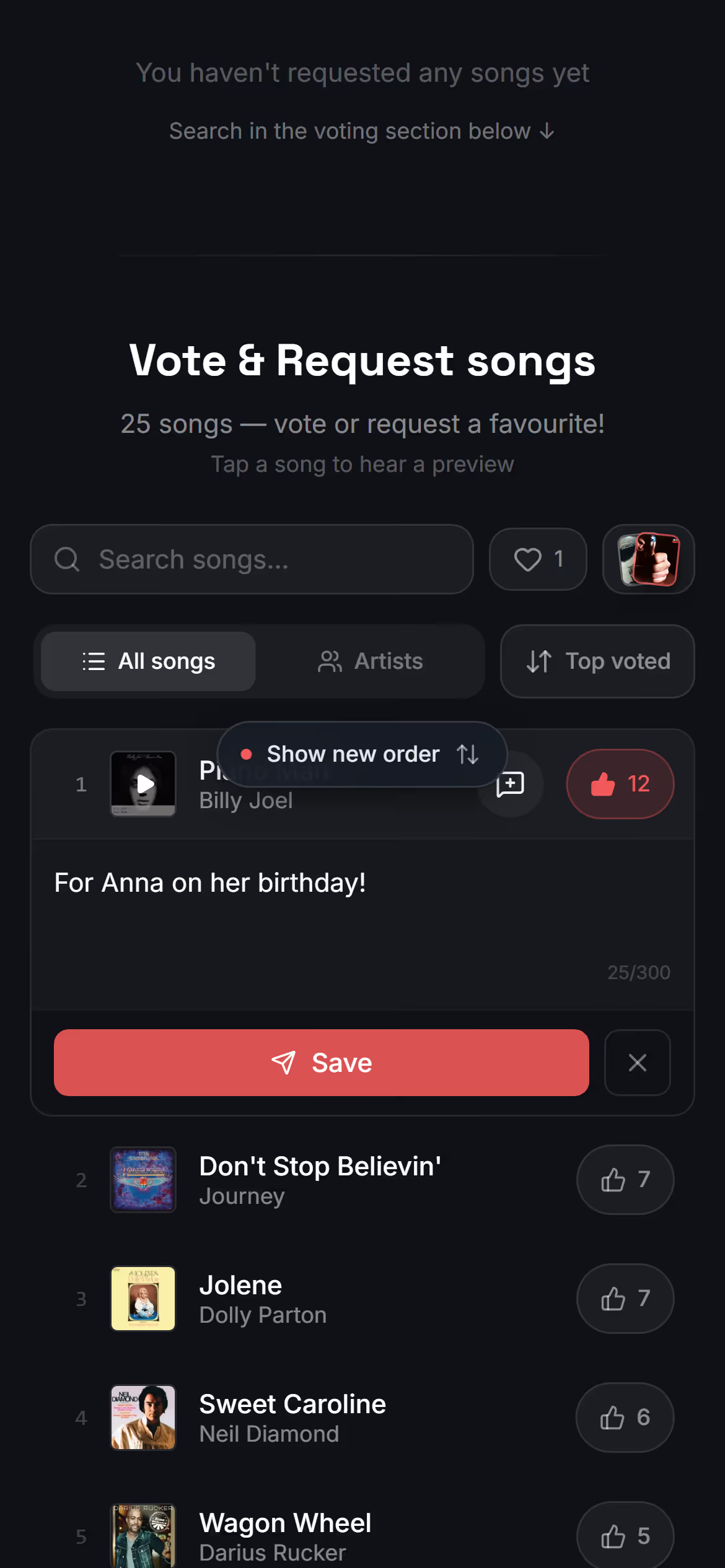
After voting, a guest can add a greeting to the song: a name, a wish, a dedication for someone on the dance floor. A speech bubble appears beside the vote, and a tap on it opens a box for the greeting. The band sees it with the song in the gig's Votes, and under the song's vote count when the song is open, so the singer can read it out before the first chord.
Request a song
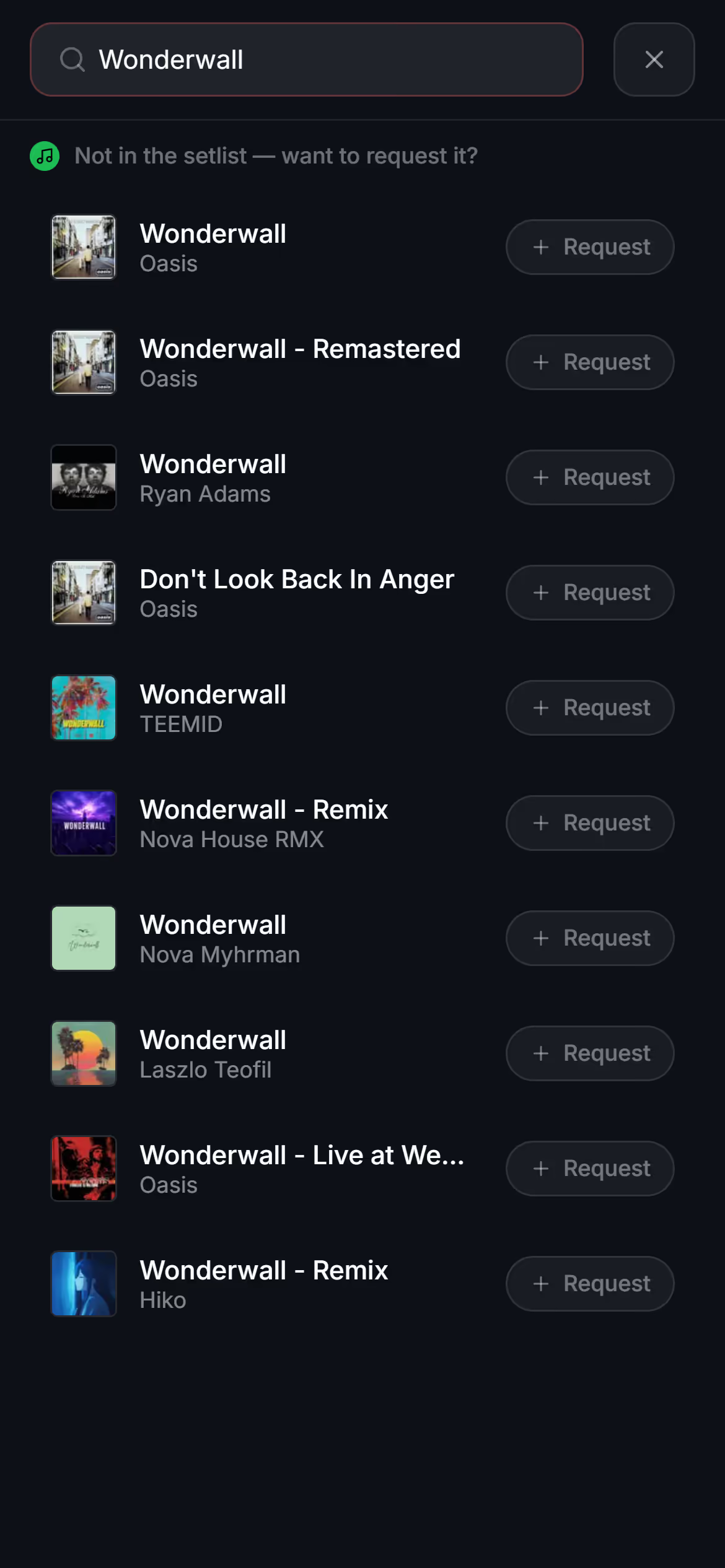
When a song isn't on the list, a guest searches Spotify for it, adds a greeting if they like, and sends the request. The band sees it under Requests within half a minute. The guest's own requests stay on the page under My requests, where they can change the greeting or remove one they no longer want.
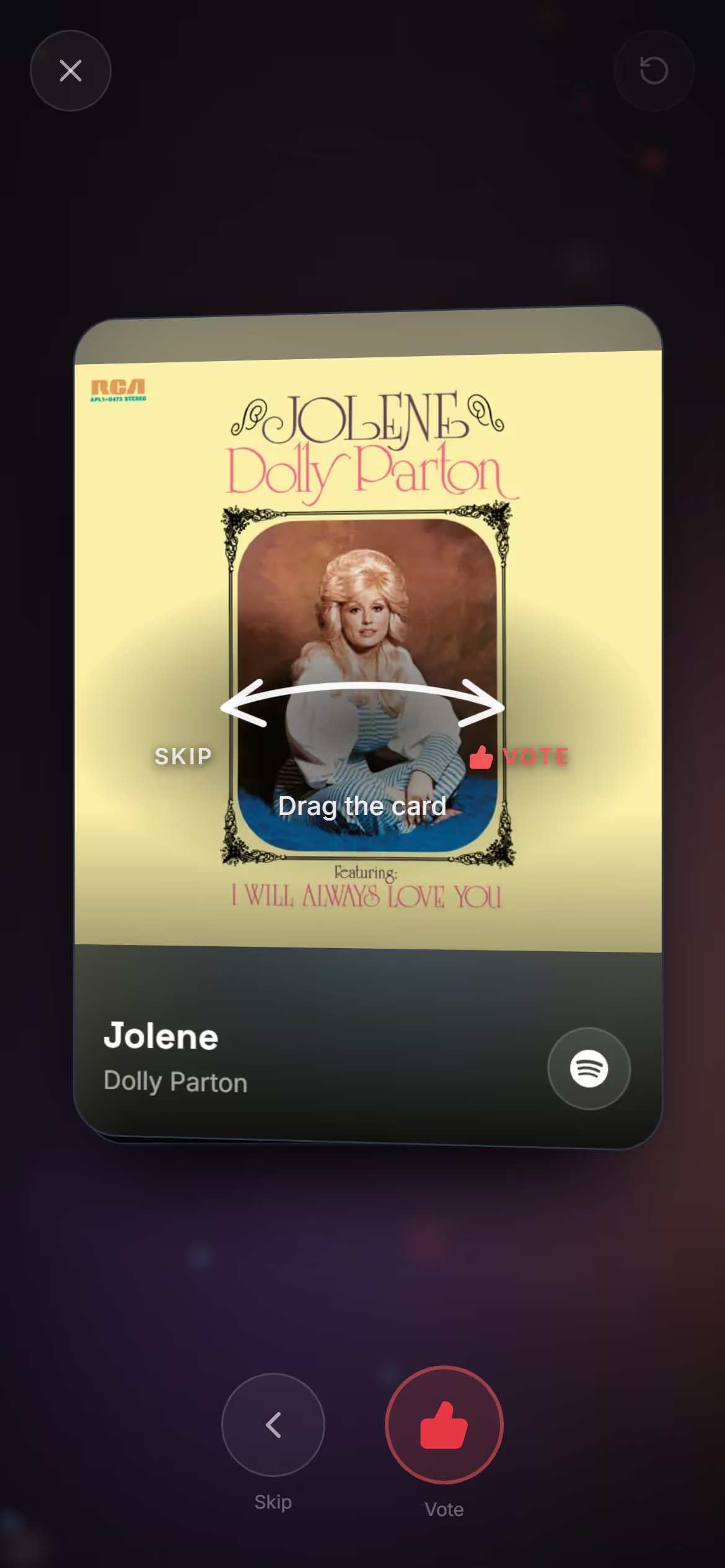
Swipe through the songs
Scrolling a long list on a phone gets tiring, so the page offers another way. Swipe & vote shows one song at a time, like a deck of cards: guests drag a card to vote or skip it, or use the buttons below it, and when the deck is done they see how many songs they voted for and go back to the list. To set any of this up, start by making your gig public, then turn on song voting and song requests.
Questions
- Do guests need to download an app to vote?
- No, the gig page opens in any phone browser, with no app to download and no account to make.
- Can a guest vote more than once for the same song?
- No, each guest has one vote per song in their browser, but they can vote for as many different songs as they like.
- Can guests see the setlist?
- Yes, when you turn on Show setlist under Configuration, guests see the gig's songs set by set. See Show your setlist to guests.