Your audience: share your gig, song voting and requests
These pages show how to share a gig with your audience in Stage Friend, so guests see your setlist, vote for the songs they want to hear and request new ones from their own phones, with no app and no account. For what the song request app does and costs, start there. The band sees the most voted songs and the requests while it plays, and resets a song's votes once it has played it, so the next favourite rises. Audience features are part of Stage Pro, at $13 a month or $108 a year, and guests use them for free.
In this topic
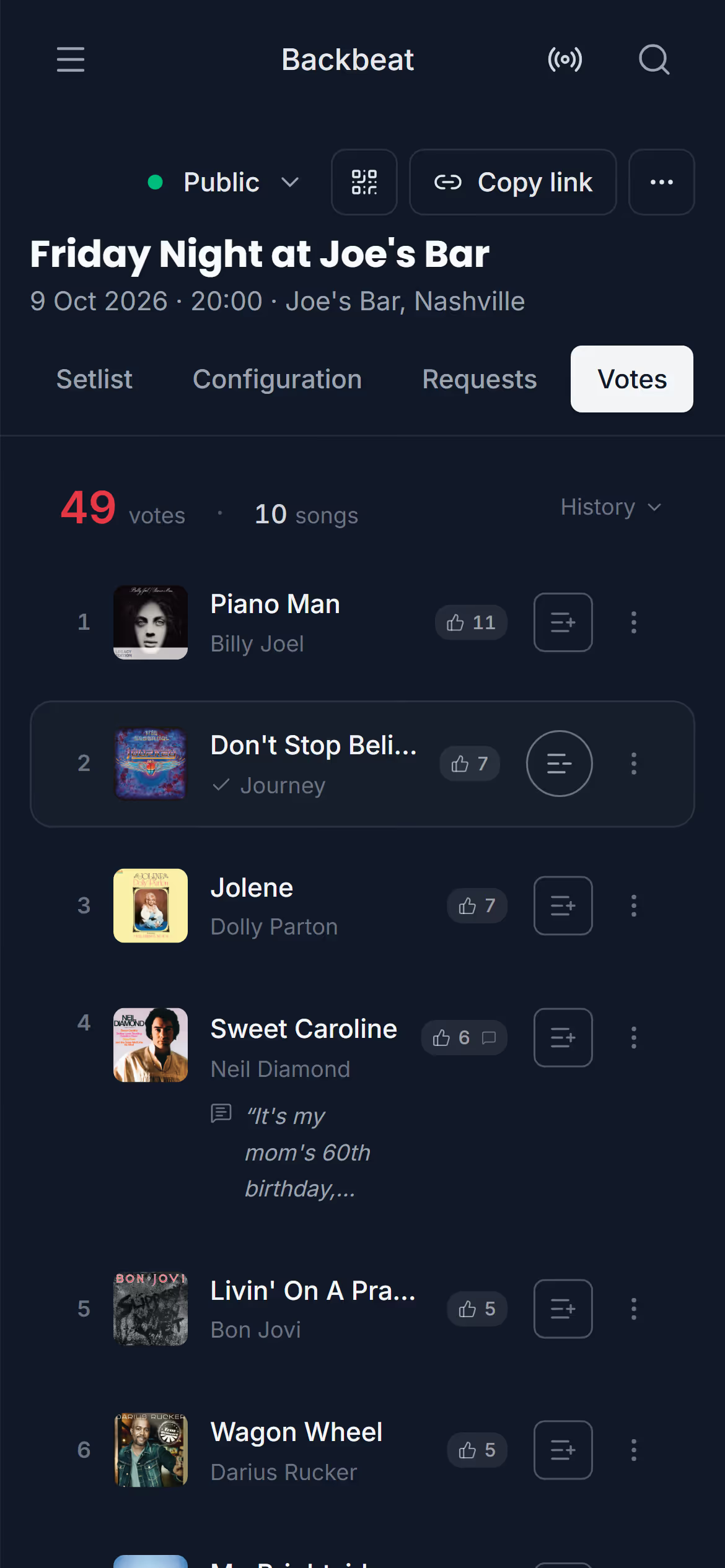
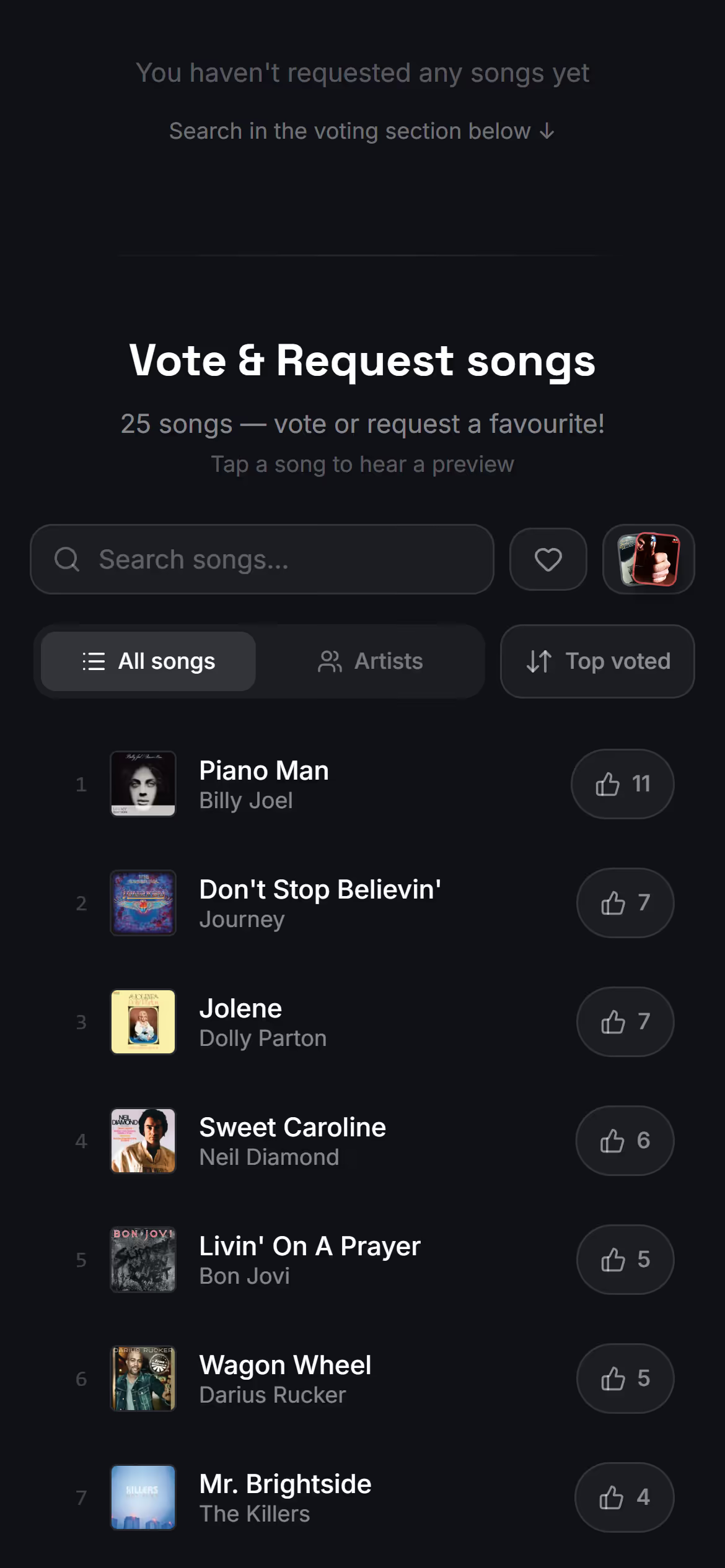
Public gig pageTo let your audience see your gig, vote or request songs, make the gig public and share its link. A public gig gets its own page on live.stagefriend.app that anyone can open in a phone's browser, with no app and no account. Put the link where your audience already is, on social media or in an invitation, and in the room let them scan the gig's QR code from a stand or a printed card. What the page shows is up to you, and you can make the gig private again whenever you like.Make it public · Share the link · Show the gig's QR code · Show your setlist to guests · Change the gig's web addressSong votingAudience voting lets the people at your gig vote from their phones for the songs they want to hear, and shows the band the most voted songs while it plays. Guests open your gig's link and tap the songs they want, with no app and no account. The band plays a song from the top of the list and resets its votes, so the next favourite rises. It turns a covers night into a request show without notes passed to the stage, and it's part of Stage Pro.Turn on voting · See the top songs while you play · See a song's votes and greetings from the song · Reset a song's votes after you play it · Reset votes with a foot pedal · Start the voting overSong requestsSong requests let guests ask for any song from their own phones, also songs you don't have yet, by searching Spotify on your gig's page. Each request comes to the gig page with the guest's greeting, so there are no notes passed to the stage and no shouting over the monitors. You decide what to do with each one: play it, add it to the setlist, or mark it as reviewed and move on. Requests are part of Stage Pro, together with audience voting.Turn on requests · See the requestsGuest viewOn a Stage Friend gig page, guests vote for the songs they want to hear, add a greeting, request songs that aren't on the list and swipe through the songs one at a time, all in their phone's browser. Read this before you share the link, or use it to explain the page when someone at the bar asks how it works. What guests can do depends on what you turned on under Configuration.What your guests see · Vote for a song · Add a greeting · Request a song · Swipe through the songs
Next topicBands: share your songs with the people you play with