Reset or change your password
If you've forgotten your Stage Friend password, you can reset it by email from the sign-in page, and if you remember it but want a new one, you change it in Settings. Both take a minute, and neither touches your songs. If you only sign in with Google or Facebook, you have no Stage Friend password at all: the password belongs to that account, and you change it there.
Updated
Reset a forgotten password
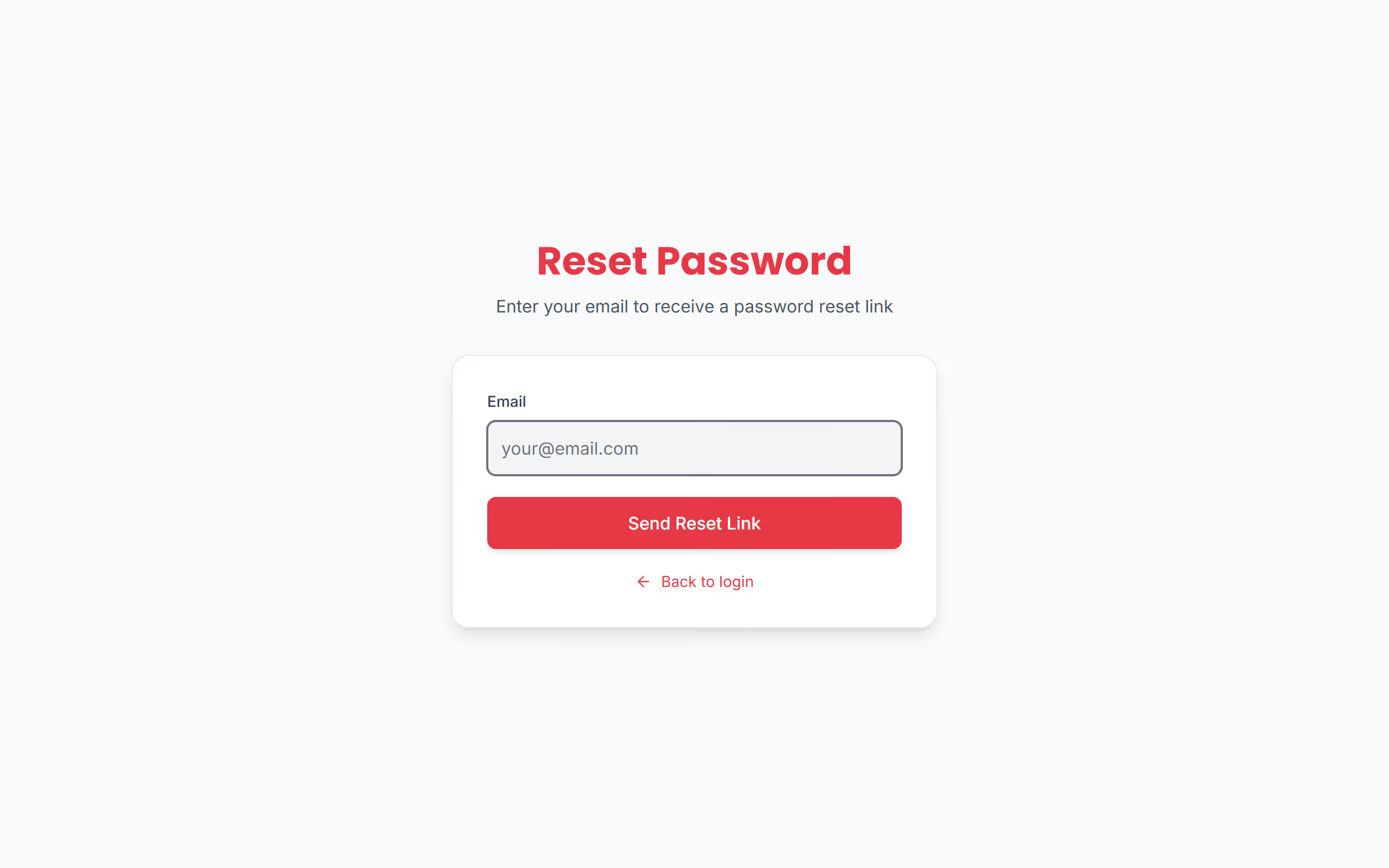
It tends to happen on a new device, often the evening before a gig. On the sign-in page, choose Forgot password?, type the email you signed up with and choose Send Reset Link. A mail with a link is then on its way to you; if it doesn't show, look in the spam folder.
Open the link and choose a new password. The same rules apply as when you signed up: at least 12 characters, with upper and lower case letters, a number and a special character. Then sign in with it, and everything is where you left it. The link works for 24 hours, so if the reset fails or the page says the link is invalid, ask for a new one from the sign-in page and use the latest mail.
Change your password
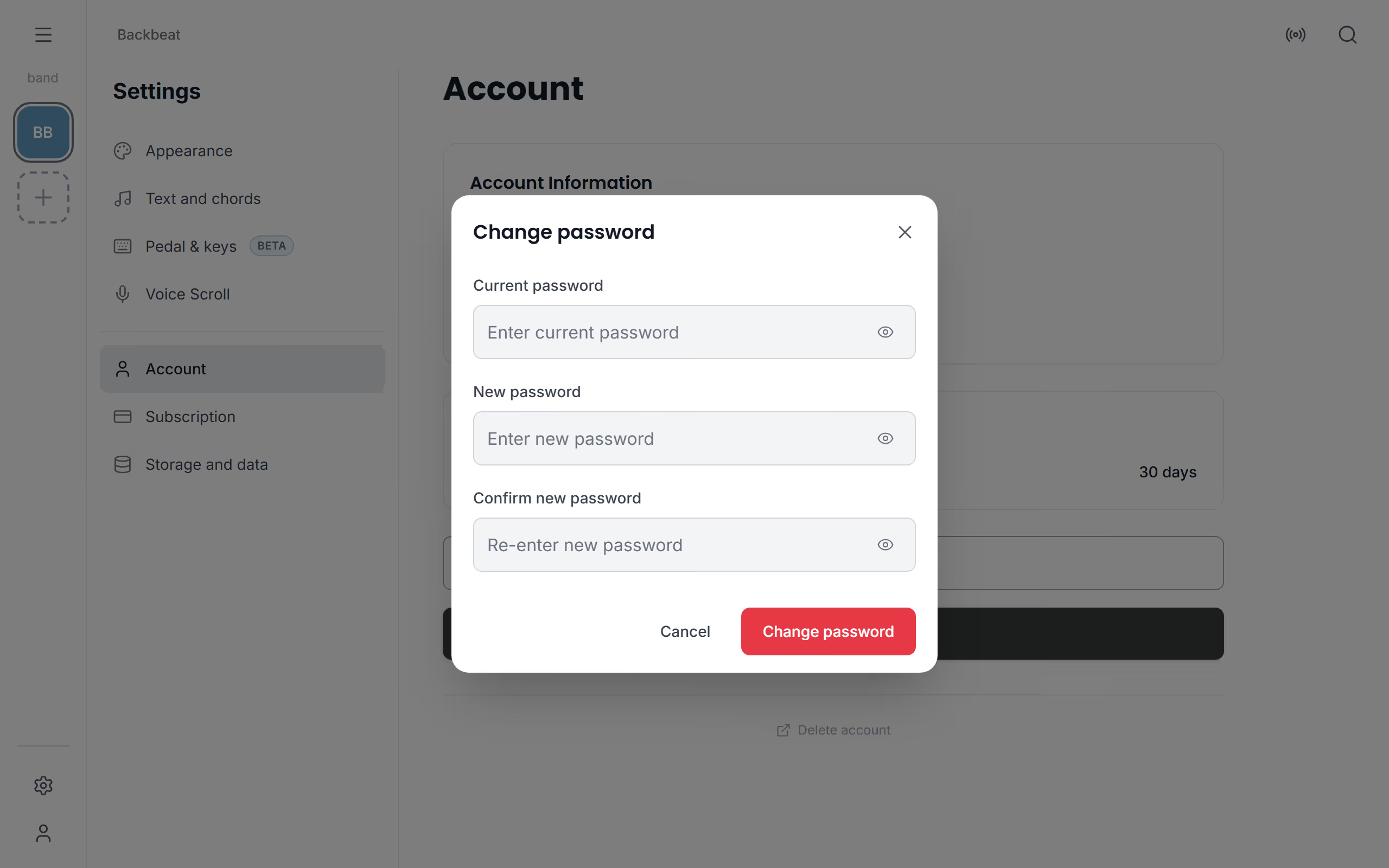
Change your password if you think someone else knows it, for example after sharing it with a bandmate to get a setlist up on their screen. Open Settings, choose Account and then Change password. Type your current password, then the new one twice, and the next time you sign in anywhere, use the new one.
The Change password button only shows if your account has a Stage Friend password, that is if you signed up with your email. If you only sign in with Google or Facebook, there's no Stage Friend password to change, so you change it with Google or Facebook instead. The rest of the account page is described in Your account settings.
Questions
- Does resetting my password delete my songs?
- No, resetting your Stage Friend password changes only the password. Your songs, setlists and bands are untouched, and you find them all when you sign in with the new one.
- I sign in with Google. Do I have a Stage Friend password?
- Not if you only ever signed in with Google or Facebook: that account has no Stage Friend password, and you change the password with Google or Facebook. If you first signed up with your email and later used Google with the same address, you have both, and Change password shows in Settings under Account.