Voice Scroll: lyrics that follow your singing
Voice Scroll listens while you sing and keeps the line you're on in view, like a teleprompter that follows you instead of a timer. It's made for practising: at home on your own, singing along or with an acoustic guitar, it keeps right up with you even when the tempo drifts. It runs on your device, so nothing you sing leaves it, and it understands English and Swedish lyrics. In the Android app it works offline; in a browser it needs a connection to start. The free plan gets five minutes of it a week.
Updated
Download a language
Voice Scroll needs a language model for the language you sing in, and that's a download, so get it at home on wifi rather than at the venue. In Settings, choose Voice Scroll and tap Download beside English (about 40 MB) or Swedish (about 250 MB). Once it's done the language shows Activated, and Remove frees the space again if you need it. Each device downloads its own, and only once: after that the model stays on the device.
You don't have to start in Settings. The first time you tap the microphone, the setup lets you pick the languages to download, and a song in a language you haven't downloaded offers it there and then.
Starts on Settings. Not there yet? See Open Settings.
Start Voice Scroll
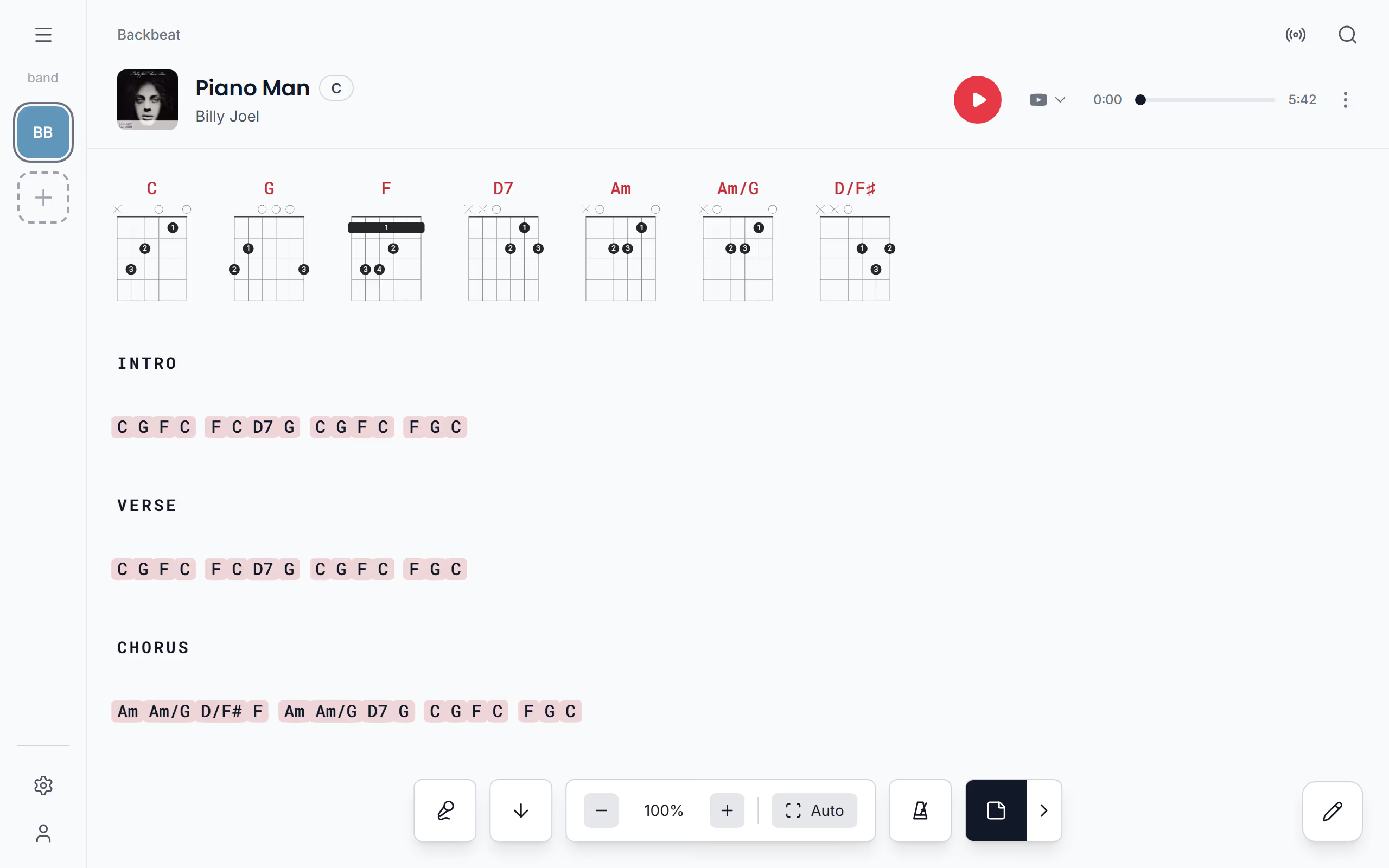
On the chords and lyrics page, tap an empty spot to show the controls and tap the microphone. The first time, Stage Friend walks you through a short setup: it asks to use the microphone, lets you choose the languages to download, and ends with Start listening. Then sing, and the line you're on is marked and kept in view as you go. Stage Friend reads the song's lyrics to tell which language it's in, and if it's a language you haven't downloaded, it offers to download it there and then. Lyrics in another language use the English model, and a short message says so.
Voice Scroll and autoscroll don't run together: starting one turns the other off. Voice Scroll also stops when you swipe to the next song or leave the song, so tap the microphone again as the next one starts. If you'd rather turn pages with your foot, a page turner pedal does that on every plan.
Where it works best
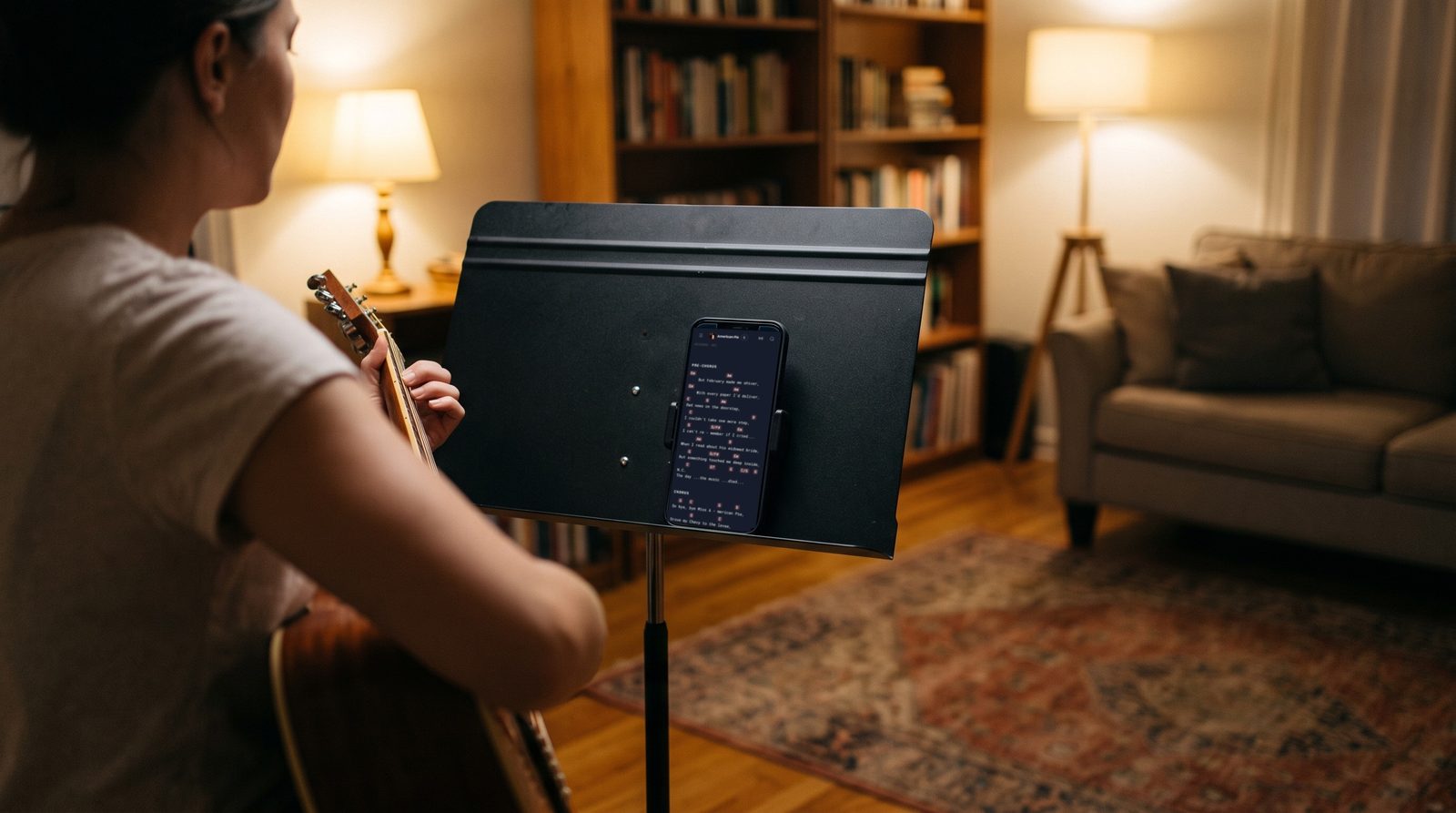
Voice Scroll hears you through the phone's or tablet's microphone, so it works best where your voice is the loudest thing in the room: practising at home, on your own, singing along to the song or with an acoustic guitar. Keep the device a metre or so in front of you, and if you sing along to a recording, keep the recording a little quieter than your voice.
On stage the band, the monitors and the PA are louder than your voice, and the device's own microphone can't pick you out of them. There Voice Scroll needs a directional microphone plugged into the phone or tablet that hears only your vocals. Without one, let autoscroll roll the song at its own pace, or turn the pages with a foot pedal: both keep going whatever the volume, and both work on every plan.
How long you can use it
On the free plan you get five minutes of Voice Scroll a week, which is enough to try it on a few songs, and the five minutes start again every Monday. In the last minute, the microphone shows how much time is left, and once the week's time is used up, Voice Scroll stops and the microphone offers an upgrade instead. Solo Pro and Stage Pro have no limit, and Plans and prices has what they cost.
Questions
- Does Voice Scroll work on stage with a band?
- Only with a microphone that hears just you. On stage the band and the PA are louder than your voice, so Voice Scroll needs a directional microphone plugged into the phone or tablet that picks up only your vocals. It's at its best when you practise at home on your own or with an acoustic guitar. At the gig, autoscroll and a foot pedal keep the song moving whatever the volume.
- Does Voice Scroll send my voice anywhere?
- No, Voice Scroll runs entirely on your device, and the sound from the microphone is never sent to a server.
- Which languages does Voice Scroll understand?
- Voice Scroll understands English and Swedish. For lyrics in another language it uses the English model and tells you so.
- Does Voice Scroll work offline?
- Yes in the Android app: once a language is downloaded, Voice Scroll works with no connection. In a browser it needs a connection to start.
- Is Voice Scroll free?
- Voice Scroll is free for five minutes a week on the Jammer plan, and unlimited on Solo Pro and Stage Pro.