Play hands free: autoscroll, foot pedal, Voice Scroll and metronome
Stage Friend lets you keep both hands on your instrument while the song moves on the screen: autoscroll rolls the chords and lyrics up like a teleprompter, a Bluetooth page turner pedal scrolls and changes songs, Voice Scroll follows your singing, and the metronome gives you a click to count in with. Autoscroll suits a song with a steady pace, while a pedal puts every page turn under your foot. Voice Scroll follows your voice rather than a clock, which makes it a practice partner at home; on stage the band is louder than you, so there autoscroll and the pedal do the job. Autoscroll, the pedal and the metronome work on every plan, including the free one, and Voice Scroll gives the free plan five minutes a week.
In this topic
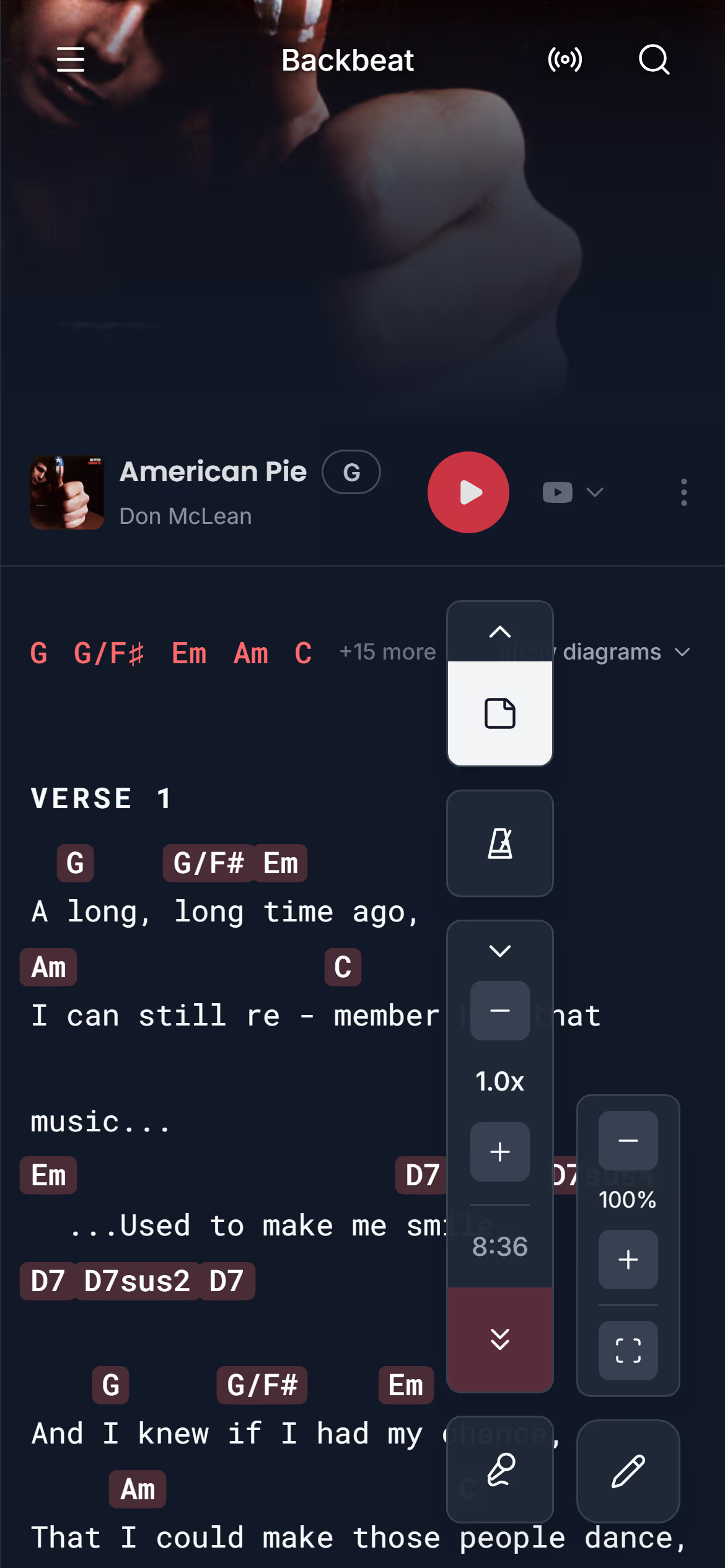
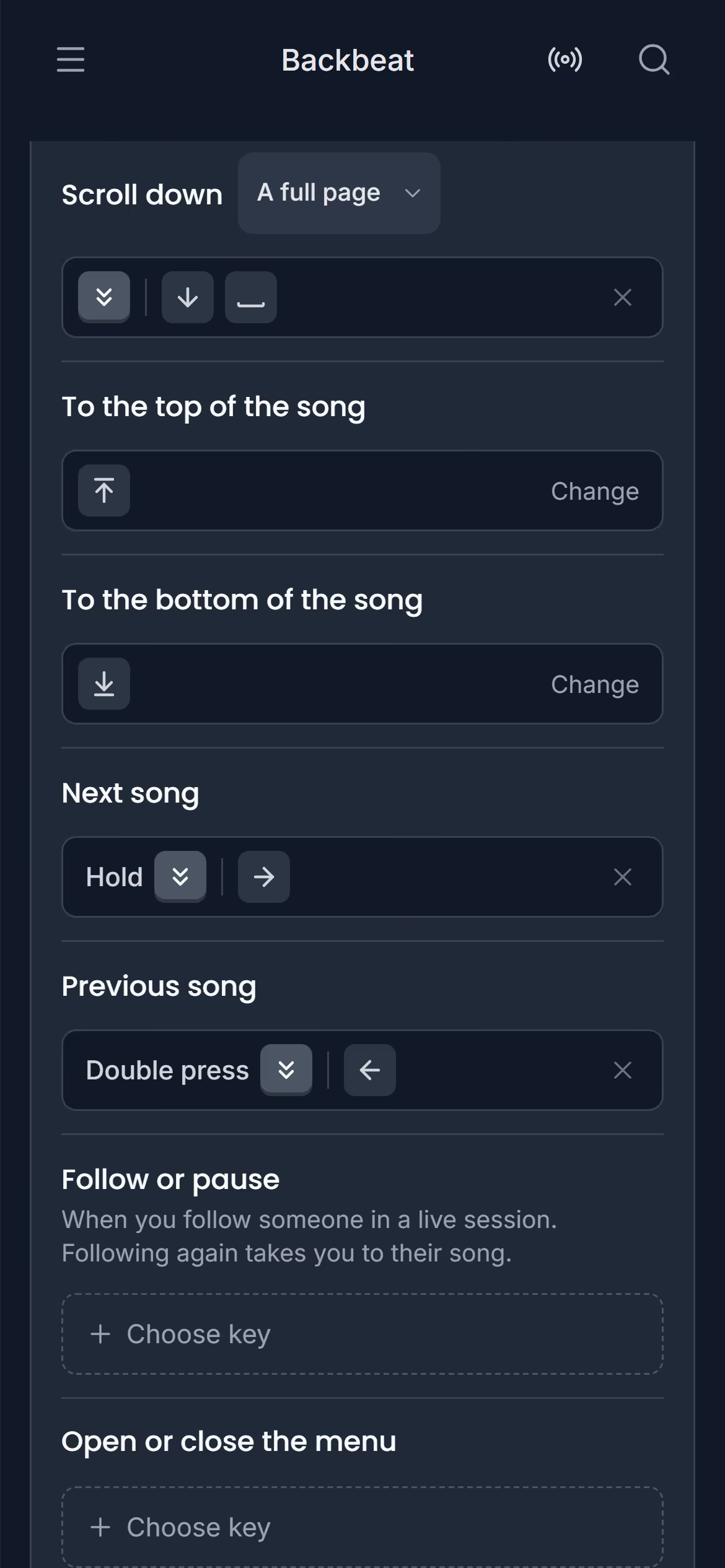
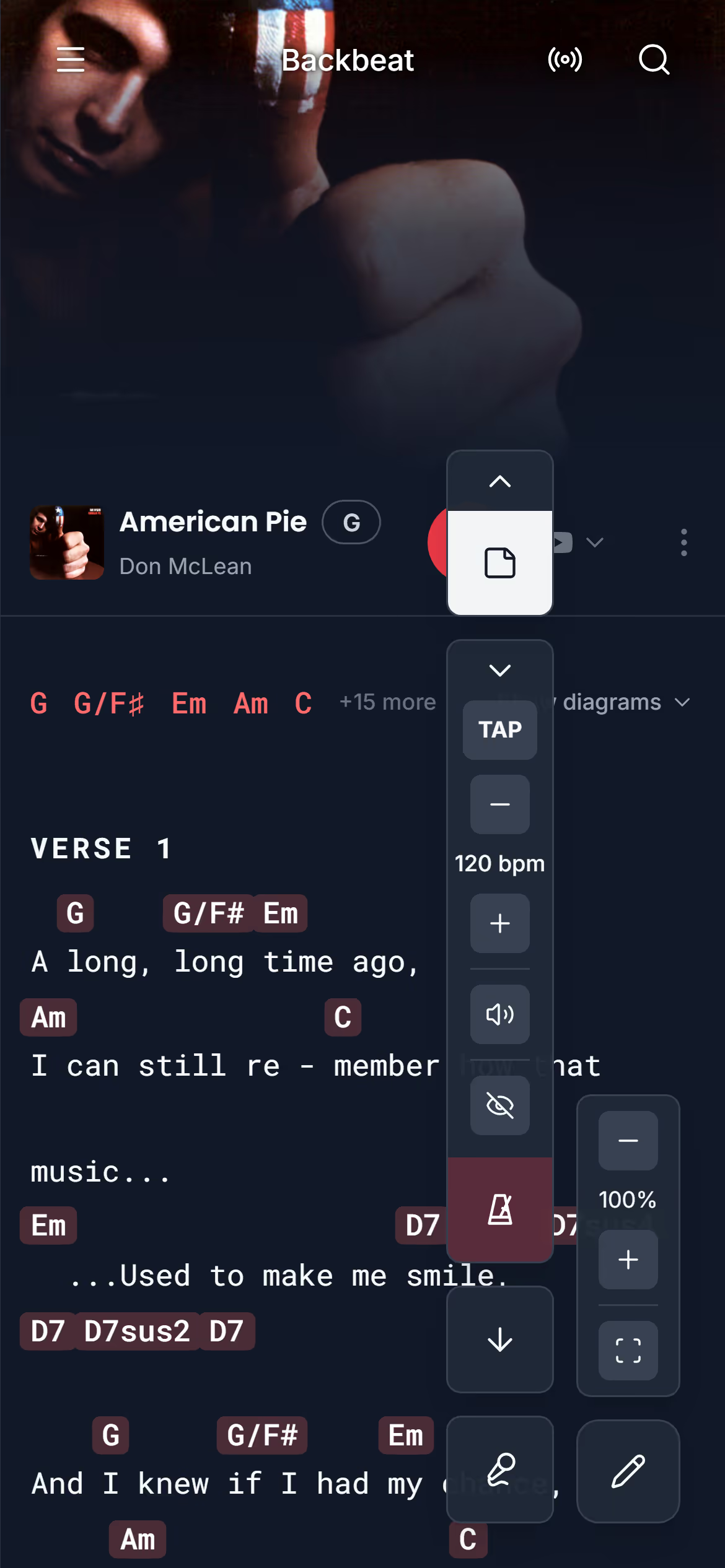
AutoscrollAutoscroll rolls the chords and lyrics slowly up the screen while you play, like a teleprompter, so the next lines are always in view. It takes its pace from the song's length, so a four-minute song takes about four minutes to roll from top to bottom, and you can make it faster or slower for each song. It's for the moments when both hands are busy and nobody is there to turn the page, like a solo set or a busking pitch. Autoscroll works on every plan, including the free one.Start autoscroll · Set the scrolling speed · Scroll yourself while it runs · Start it with a page turner pedalFoot pedalA Bluetooth page turner pedal, also called a foot pedal page turner, works like a keyboard: each pedal sends a key. Stage Friend reads those keys on the chords and lyrics page, on an iPad, an Android tablet or phone, or a computer, and understands the common ones without any setup. That way your foot scrolls the chord chart and changes songs, on every plan, including the free one. A computer keyboard works exactly the same way, which is handy at a rehearsal with the laptop on the music stand.Which page turner pedals work · Pair the pedal with your iPad, tablet or computer · Keys that work without setup · The commands and their keys · Set up your own keys · Press, double press and hold · Choose how far a page turn goes · Mark songs played and reset votes · Run several commands with one key · Try your keys before the gigVoice ScrollVoice Scroll listens while you sing and keeps the line you're on in view, like a teleprompter that follows you instead of a timer. It's made for practising: at home on your own, singing along or with an acoustic guitar, it keeps right up with you even when the tempo drifts. It runs on your device, so nothing you sing leaves it, and it understands English and Swedish lyrics. In the Android app it works offline; in a browser it needs a connection to start. The free plan gets five minutes of it a week.Download a language · Start Voice Scroll · Where it works best · How long you can use itMetronomeThe metronome in Stage Friend sits with the song's controls on the chords and lyrics page, so the click is right there when you count in. Each song keeps its own tempo, from 40 to 240 beats per minute, and you can tap it in when you don't know the number. The click is one short beep on every beat, and a visual beat makes the metronome button flash in time for when you can't hear it. The metronome works on every plan, including the free one.Start the metronome · Set the tempo · Change the volume, or see the beat
Next topicGigs: plan a show and play it