Search for songs, artists, setlists and gigs
Search in Stage Friend finds your songs, artists, setlists, gigs and other bands from the magnifier at the top of the screen, and searches the web for songs you don't have yet. It's the quickest way to a song when someone at the bar asks for one that isn't in the set, or the singer remembers a line but not the title. Results show as you type, grouped by kind, and a song from the web can go into your library from the results.
Updated
Search for anything
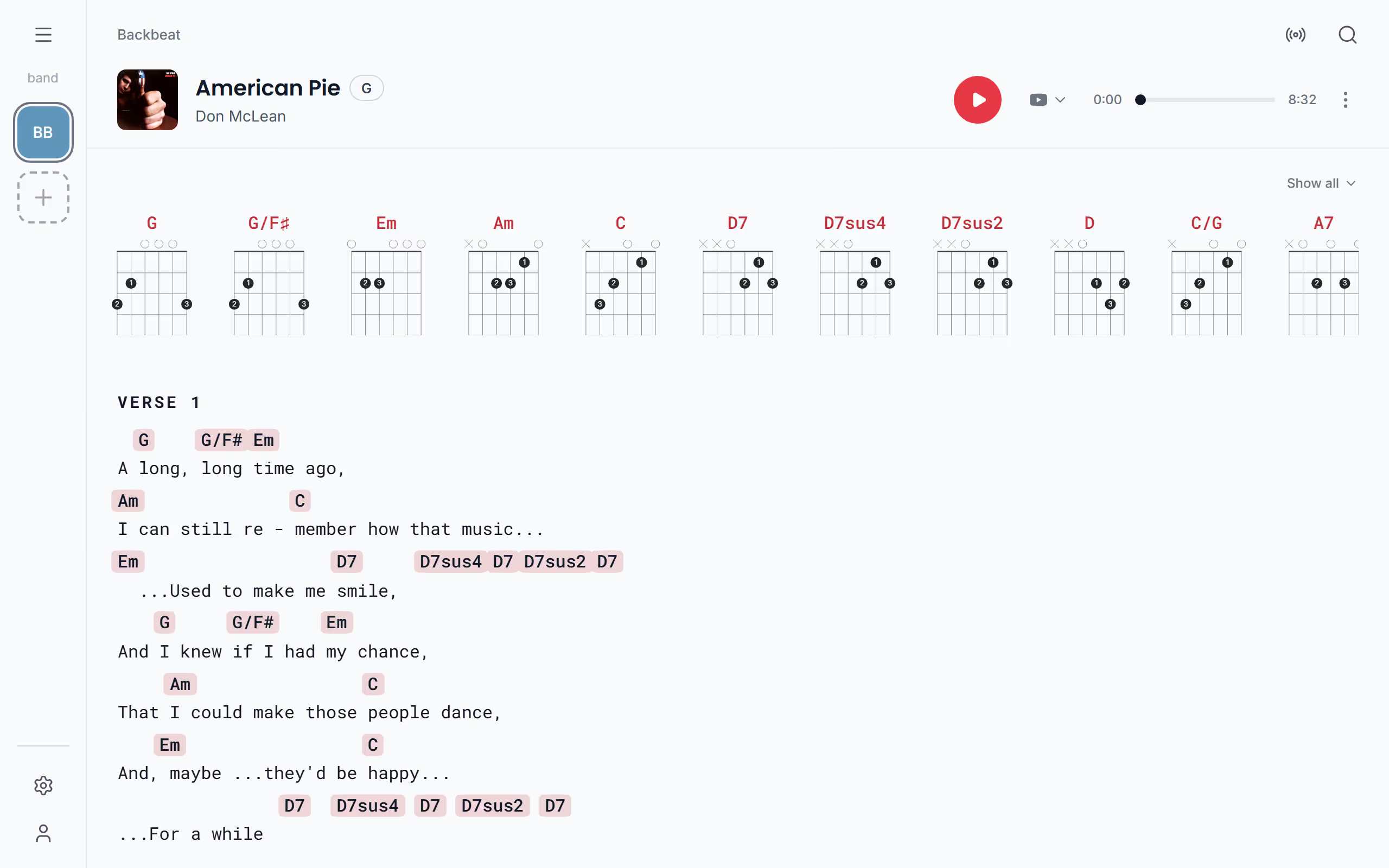
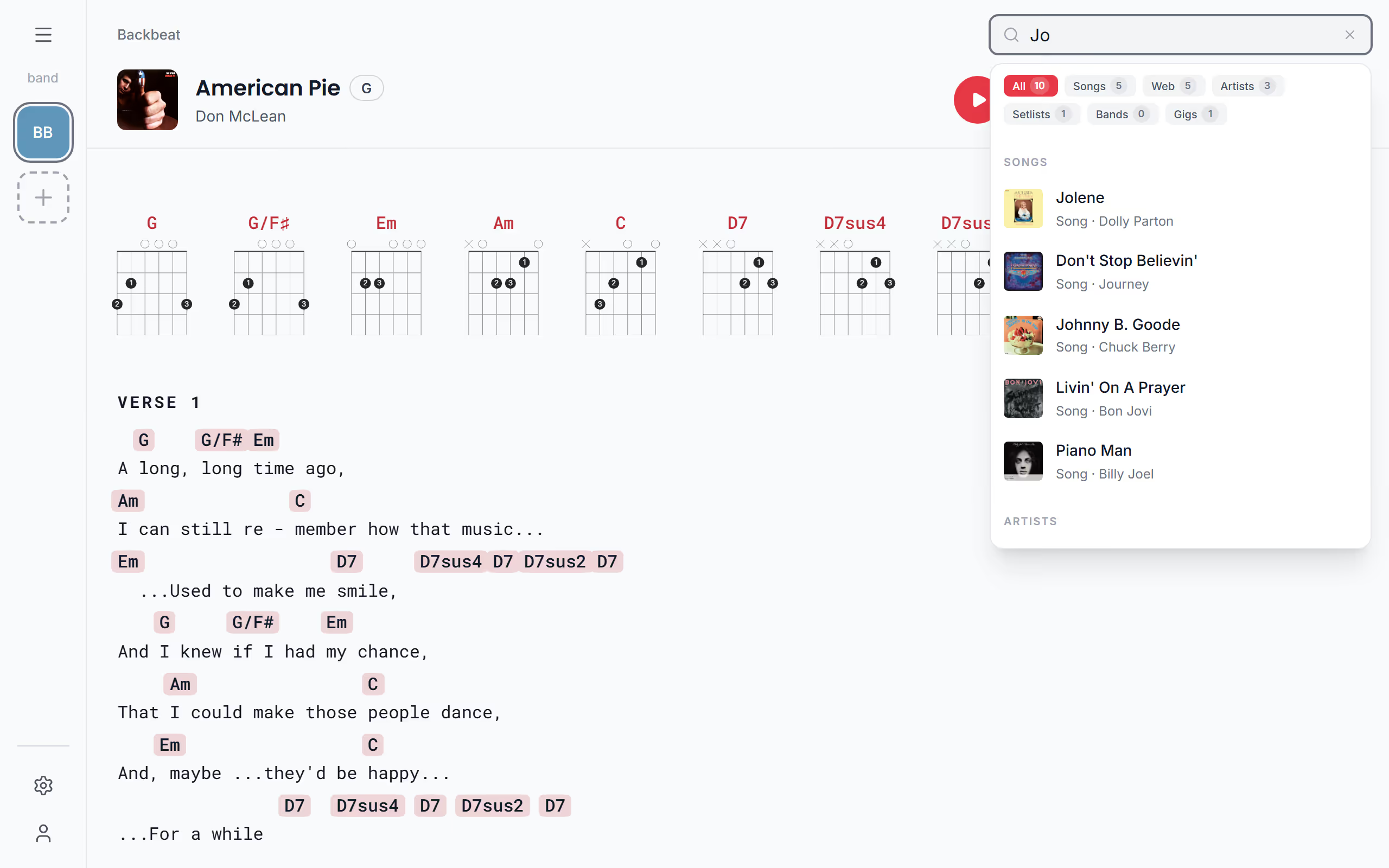
Search is the magnifier at the top of the screen, so you can use it from most places in the app. On a computer it opens a search field in the bar at the top; on a phone or tablet it opens a search page over the screen. Type a few letters and it looks through the band you have open: songs by title and artist, and by their lyrics too, so a line you remember from the chorus is enough to find a song whose title has slipped your mind. It also finds setlists by name, gigs by title, venue, town or date, and your other bands.
At the same time it searches the web. A song you don't have yet shows under Web search, and tapping it takes you to the lyrics picker, the same step as Add a song: pick the lyrics and chords that match how you play it, and the song is in your library. On the free plan a song fetched with its lyrics uses one of your web imports. The web part needs a connection, while your own songs, setlists and gigs are found offline too.
Narrow the results
A short word can match a lot, so you can narrow the results to one kind. Above the results, pick All, Songs, Web, Artists, Setlists, Bands or Gigs, and only that kind stays. Songs keeps the web out when you only want what is already in your book, and Web is the one to use when you know the song is new and want to see which versions are out there.
A band in the results has Switch next to it, which changes to that band, so you can type the name of your other project and be there in one tap. For browsing rather than searching, the song library sorts your songs by Title, by Recently added or by Year, and Artists groups them by who recorded them.
Search one list in the menu
Sometimes you already know where the song is and only want to filter one list. The lists in the menu each have their own search field at the top: Search songs in Songs, Search artists in Artists and Search setlists in Setlists. With a setlist open, Search in setlist finds a song in that set, which is handy when the drummer shouts out a song in the middle of a long gig. These fields filter the list you're in as you type, and leave the rest of the app alone.
Questions
- Can I find a song by a line of its lyrics?
- Yes, Stage Friend's search looks through the lyrics of your songs as well as their titles and artists. Type a few words you remember and the song shows under Songs.
- Does search work offline?
- Yes, search finds your own songs, artists, setlists and gigs with no connection. Only the web search for songs you don't have yet needs a connection, see What needs a connection.