Play a setlist on stage, song by song
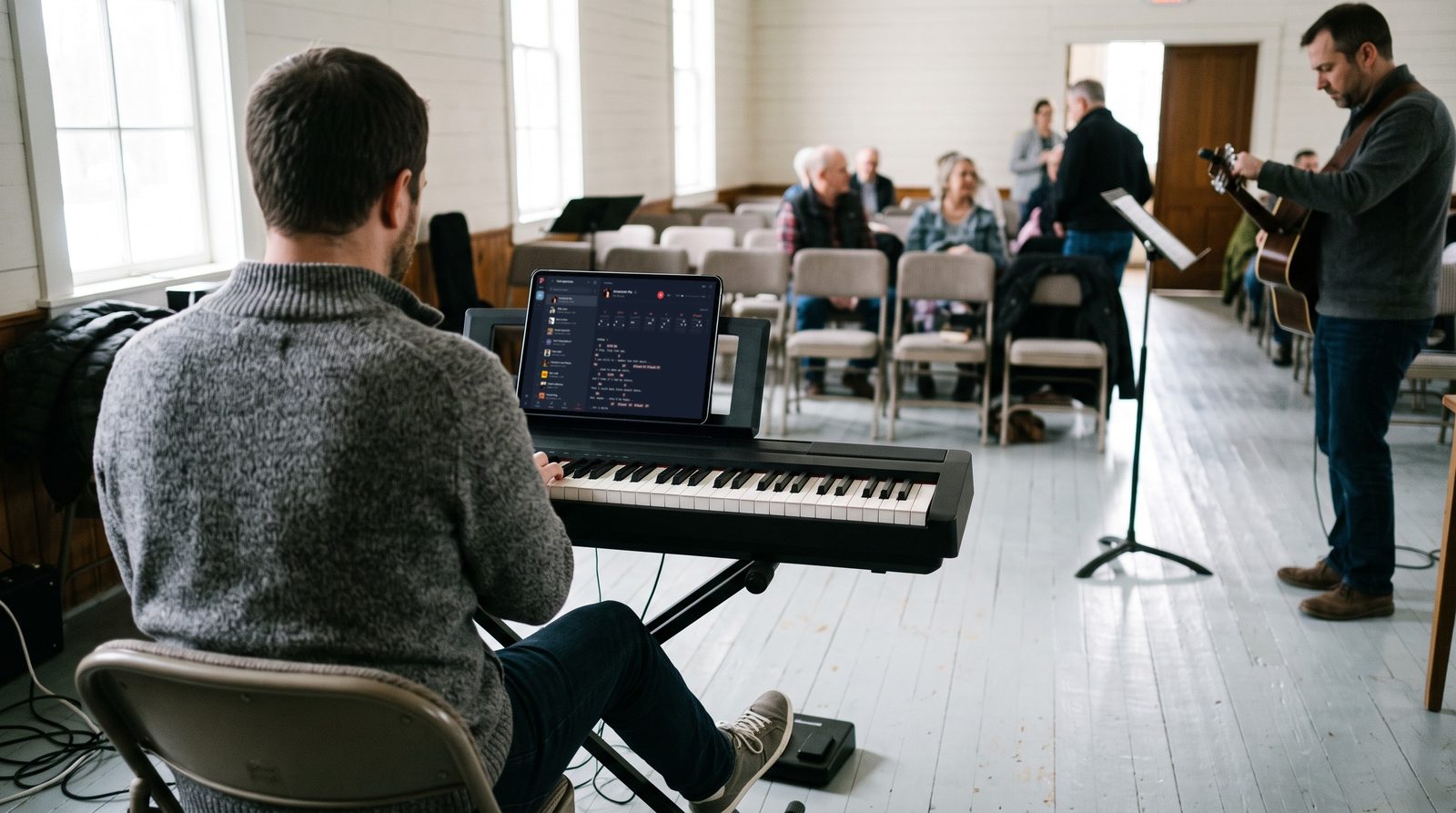
To play a setlist in Stage Friend, open its first song and swipe left for the next one, so the set leads the way in the order you built it. That means no scrolling through your library between songs while the drummer counts in. On a phone or tablet, a small label can tell you which song comes next and its key, and a Bluetooth page turner pedal changes songs without your hands leaving the guitar.
Updated
Play the set
Once the setlist is open, tap the first song and it opens with its chords and lyrics. From there the set is your running order: swipe left for the next song and right for the one before, so you never lose your place. With a mouse you can drag the page sideways the same way, and while the song's controls are showing, the Previous song and Next song arrows do it with a tap. If the band jumps ahead or calls an old favourite from further down, open the menu and tap that song instead. On a screen 1024 pixels wide or more, such as a computer or most tablets held sideways, the menu stays open next to the song, so the whole set is in view while you play.
Starts on your setlist in the menu. Not there yet? See Open a setlist.
See which song is next
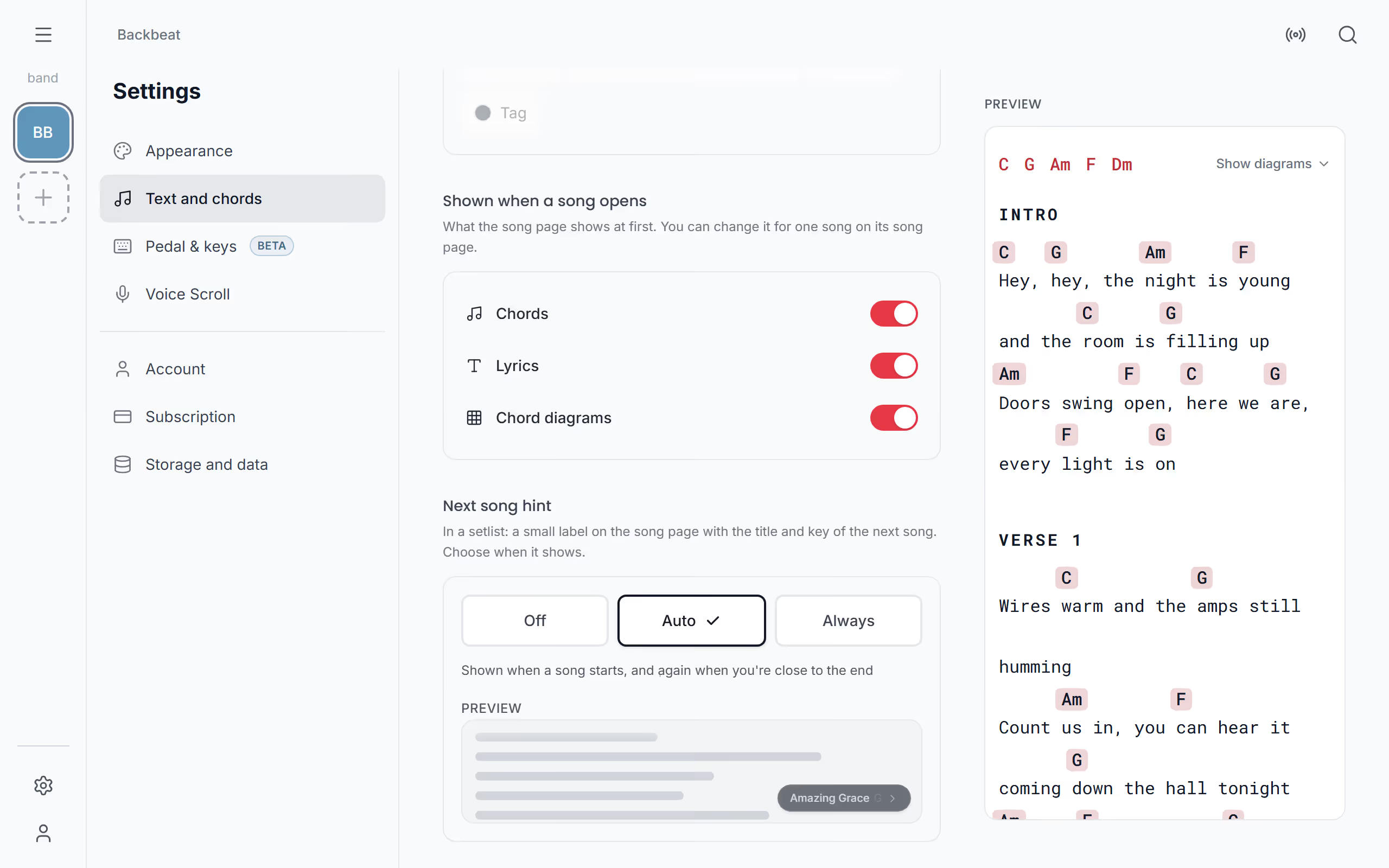
In the gap between songs, it helps to know what's coming, and whether you need to retune or move the capo. On a phone or tablet, where the menu isn't open beside the song, a small label in a setlist names the next song and its key, and tapping it takes you there. You choose when it shows under Settings, Text and chords, Next song hint: Auto shows it when a song starts and again when you're close to the end, Always keeps it in the corner whenever the top of the page has scrolled away, and Off hides it.
Change song with a page turner pedal
With both hands on your instrument, a Bluetooth page turner or foot pedal is the easiest way through the set. It works without any setup: the right arrow goes to the next song in the setlist and the left arrow to the one before, and a keyboard does the same with its arrow keys. If you'd like your pedal to scroll as well, or to do something else on a double press, see Page turner pedal to set your own keys.
For long songs you can also start autoscroll, which rolls the lyrics up at the song's own pace; it never moves on to the next song by itself, so that step is still yours. And if you're playing a gig, check off each song as you play it so you always see what's left.
Questions
- Does swiping follow the setlist order?
- Yes, when you open a song from a setlist, swiping left and right moves through that setlist in your playing order. A song opened from your song list swipes through that list instead.
- Can the whole band follow the same song?
- Yes, with Follow one person leads, and the song they open opens on everyone else's screen too.