Follow a band member's songs live
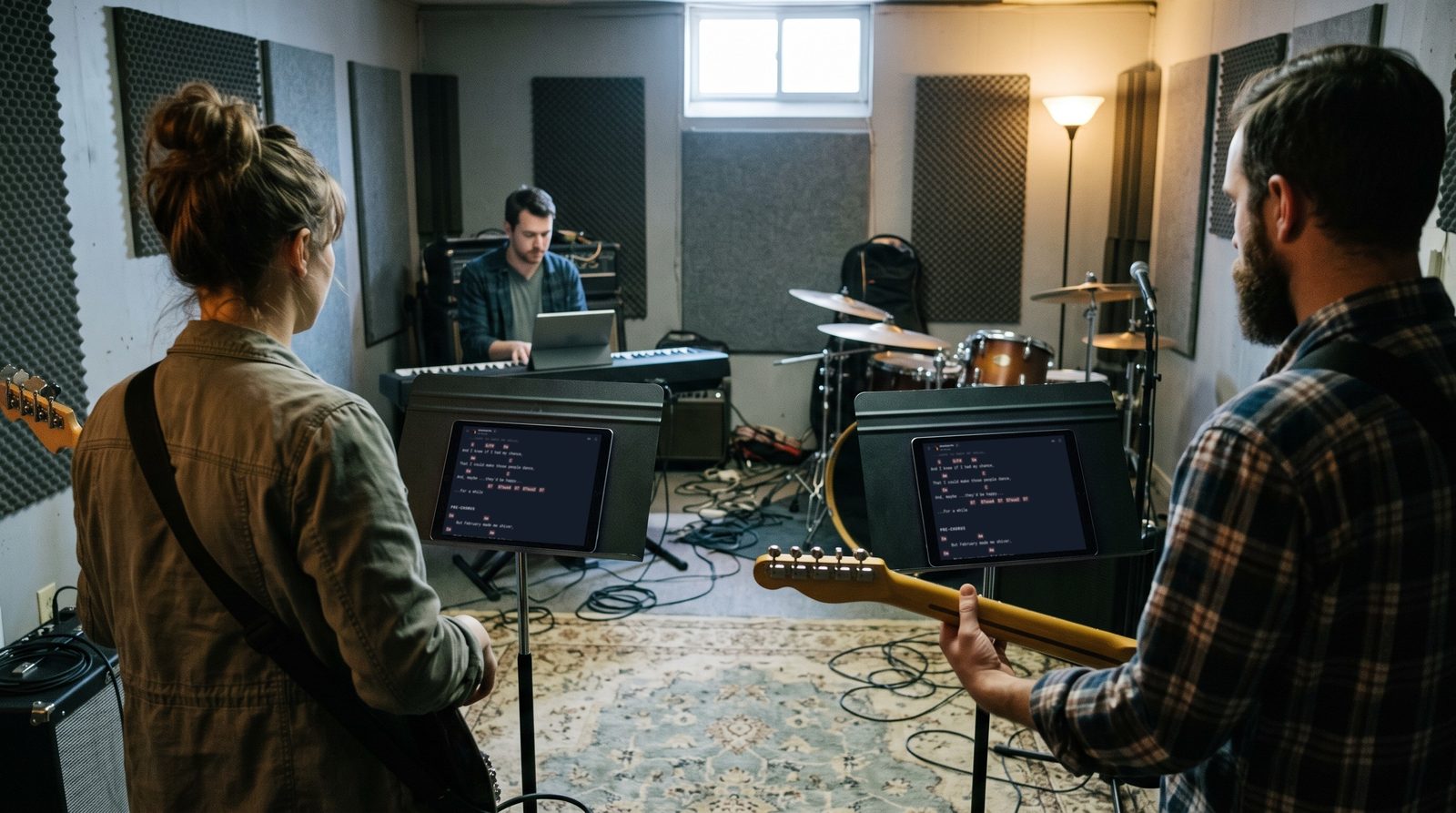
Following a band member in Stage Friend makes your screen open the same song as theirs, the moment they open it, so the whole band turns the page together. It is made for gigs and rehearsals where one person calls the songs: the leader picks the next one, and every follower's chords and lyrics are already there before the count-in. Following works on every plan, in any band with someone else in it, and needs a connection and at least one other member online.
Updated
Follow someone
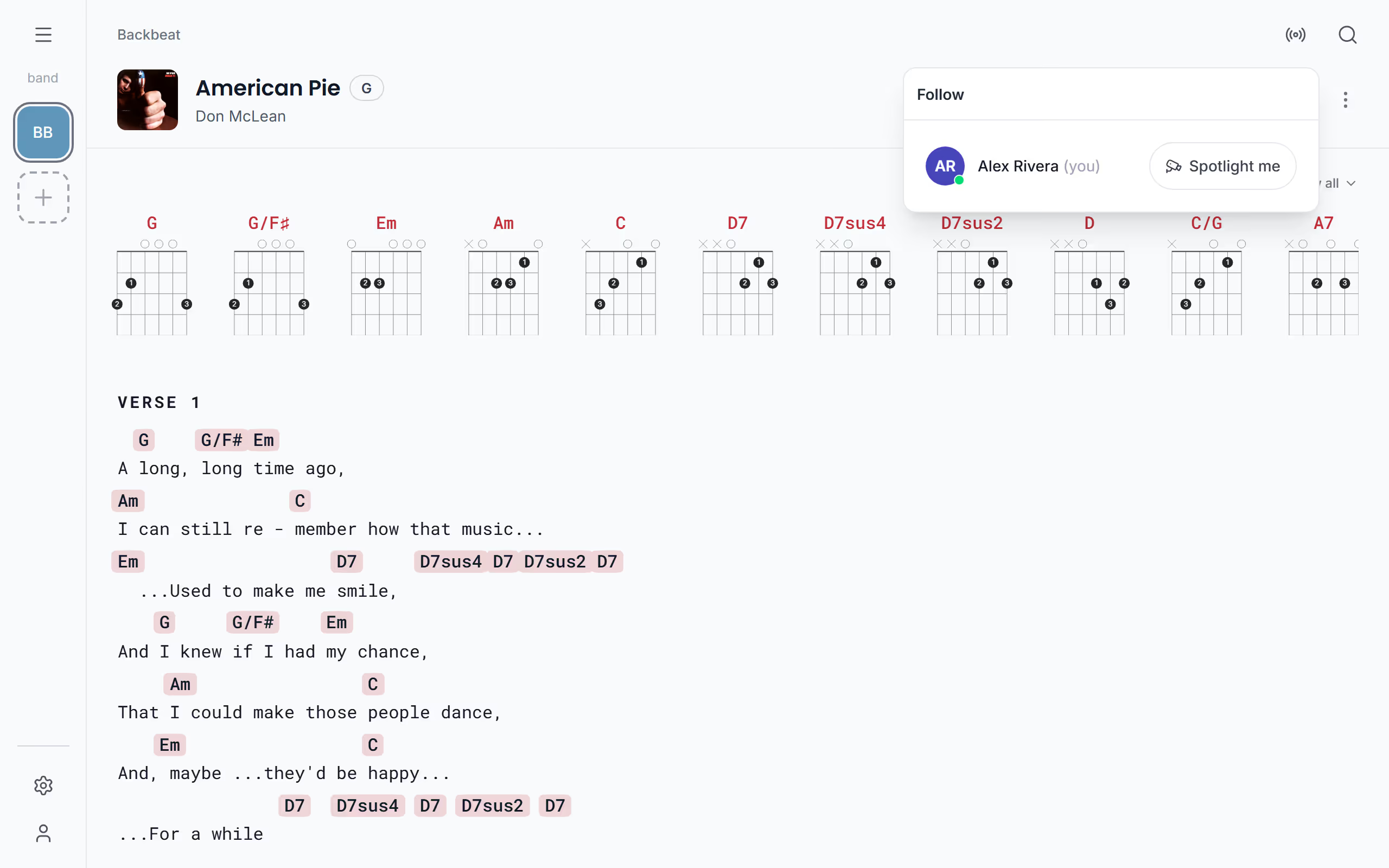
Before the first song, tap the round radio icon at the top of the screen to open Follow; at the top of the menu, the small pictures of who is online open the same list. Under Follow someone in the band you see who is online right now. Tap Follow by a name and that person becomes the leader, with you following, without them having to start anything. From then on, every song they open opens on your screen too. If a session is already running, the list offers Follow with the leader's name, and a tap joins it. When the leader opens a song that hasn't reached your device yet, say one they added a minute ago, your screen waits and moves to it as soon as it arrives.
Lead the band
If you are the one who calls the songs, lead instead. On your own row in the list, tap Spotlight me to start a session where everyone who follows sees the songs you open. As leader you can hand the lead to someone else with Make leader by their name, for instance when the singer takes over for the acoustic set, or take someone out of the session with Remove. If the leader leaves, the lead passes to whoever joined first of those still there. If the leader's phone drops off, the list shows Leader reconnecting…, any follower can tap Take over the lead so the band isn't left waiting, and if nobody does, the lead moves on by itself after a short while.
Pause or leave
Sometimes you need to look something up mid-set without losing your place in the session. If you open another song yourself while following, following pauses by itself; you can also tap Pause following to do it on purpose, and Resume following jumps you back to the leader's song. If your phone locks or loses the connection for a moment, you stay in the session and catch up as soon as it is back. Leave takes you out of the session. When the leader leaves, the lead passes to the next person, and the session ends once the last person has left.
Suggest a song to a bandmate
While you are following but paused on another song, you can put that song forward to the leader instead of shouting it across the stage. Tap Suggest song at the top of the song and it pops up on the leader's screen with your name and Suggests; a tap there takes the leader to it, and once the leader opens it, the whole band follows.
Following keeps the band on the same song. To have everyone in the same key as well, see transposing for the whole band, and to plan the order ahead, make a setlist for the gig.
Questions
- Does following work on the free plan?
- Yes, following a band member works on every plan, including the free one. It needs a connection and at least one other member of the band online.
- What happens if my phone loses the connection while I follow?
- You stay in the session when your connection drops for a moment, and your screen catches up with the leader's song as soon as it is back. If you are offline for more than a couple of minutes, you are taken out of the session and can join again from Follow.