Change Stage Friend's language: English or Swedish
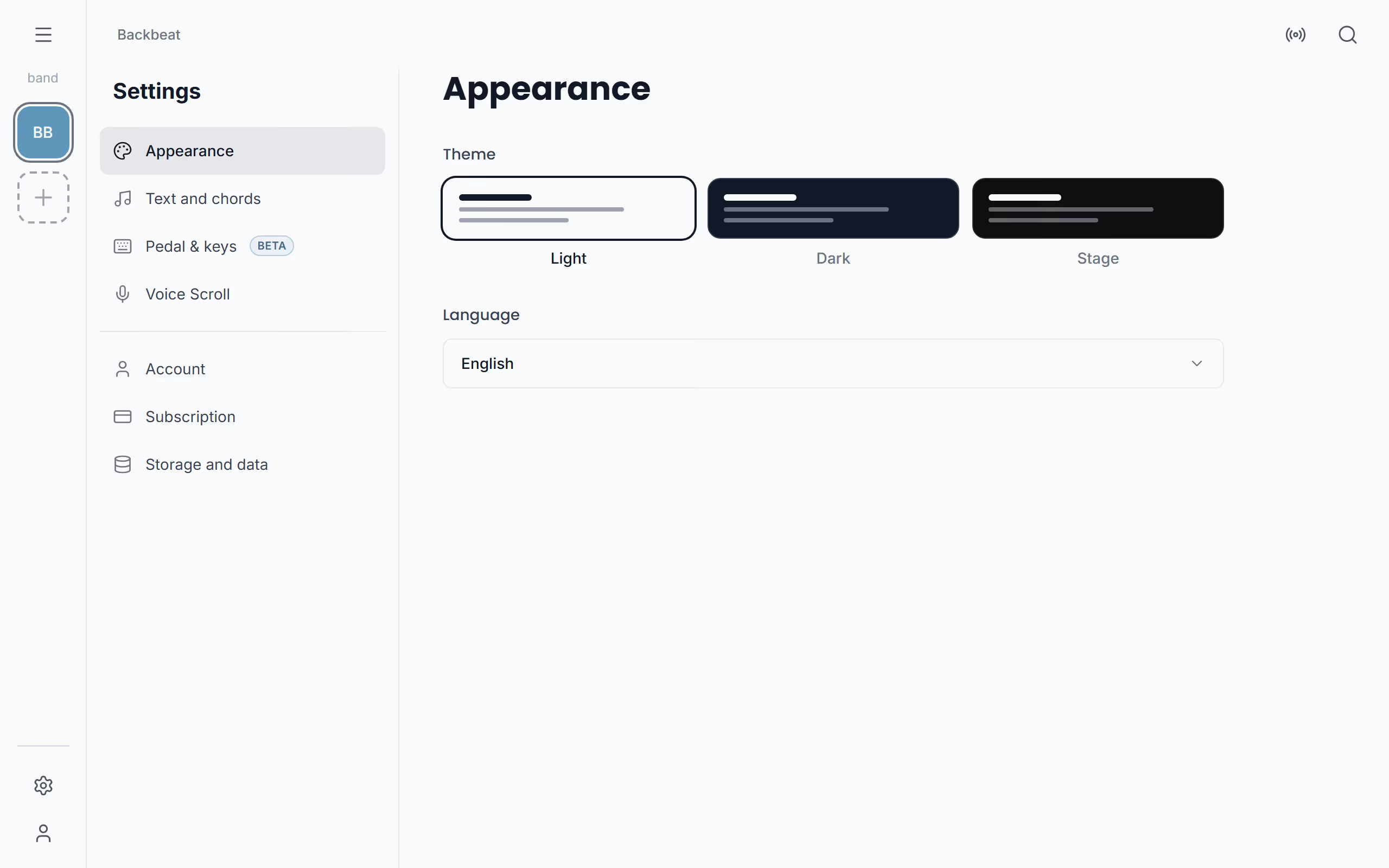
Stage Friend is available in two languages, English and Swedish, and you can switch between them at any time. The first time it opens, it picks Swedish if your phone or browser is set to Swedish, and English otherwise. The setting is under Settings, Appearance, below the theme. Each device keeps its own, so a Swedish band can hand the stand-in guitarist a tablet in English.
Updated
Change the language
Open Settings, choose Appearance, and under Language pick English or Svenska. This is the only place to change it. The whole app changes straight away, with no restart: the menu, the buttons, the settings and the messages all switch to the new language.
Your songs stay exactly as you wrote them. Titles, lyrics and chords are yours and are never translated, so a Swedish folk song and an English rock song sit side by side in the same library. Dates follow the app's language with your device's regional format, which means an English app on a Swedish phone writes 9 Oct 2026, 20:00: an English month, the day first and a 24-hour clock.
The app's language is separate from the languages Voice Scroll listens for. Voice Scroll needs a language model for the language you sing in, English or Swedish, and asks for it when a song's lyrics are in a language you haven't downloaded yet, so you can sing Swedish songs with the app in English or the other way round.
Like the theme, the language belongs to the device and not to your account, so a new phone starts in its own system language until you change it. The rest of Settings holds how the lyrics and chords read.
Questions
- Which languages is Stage Friend available in?
- Stage Friend is available in English and Swedish. It starts in Swedish if your device is set to Swedish and in English otherwise, and you can switch under Settings, Appearance.
- Will changing the language change my songs?
- No, changing the language only changes Stage Friend's menus, buttons and messages. Your song titles, lyrics and chords stay exactly as you wrote them.
- Does the language follow me to my other devices?
- No, each device keeps its own language, like the theme. A new device starts in its own system language until you change it.