Your gigs: create, find, change and delete them
A gig in Stage Friend holds one show's date, time, place and setlist, and you find all your gigs in the menu under Live, with the next one at the top. Creating one takes a title and a date, and the gig gets its own setlist at once, ready to fill with the night's songs. You decide whether it stays private to the band or gets a public page for your audience. Gigs need Stage Pro.
Updated
Open your gig
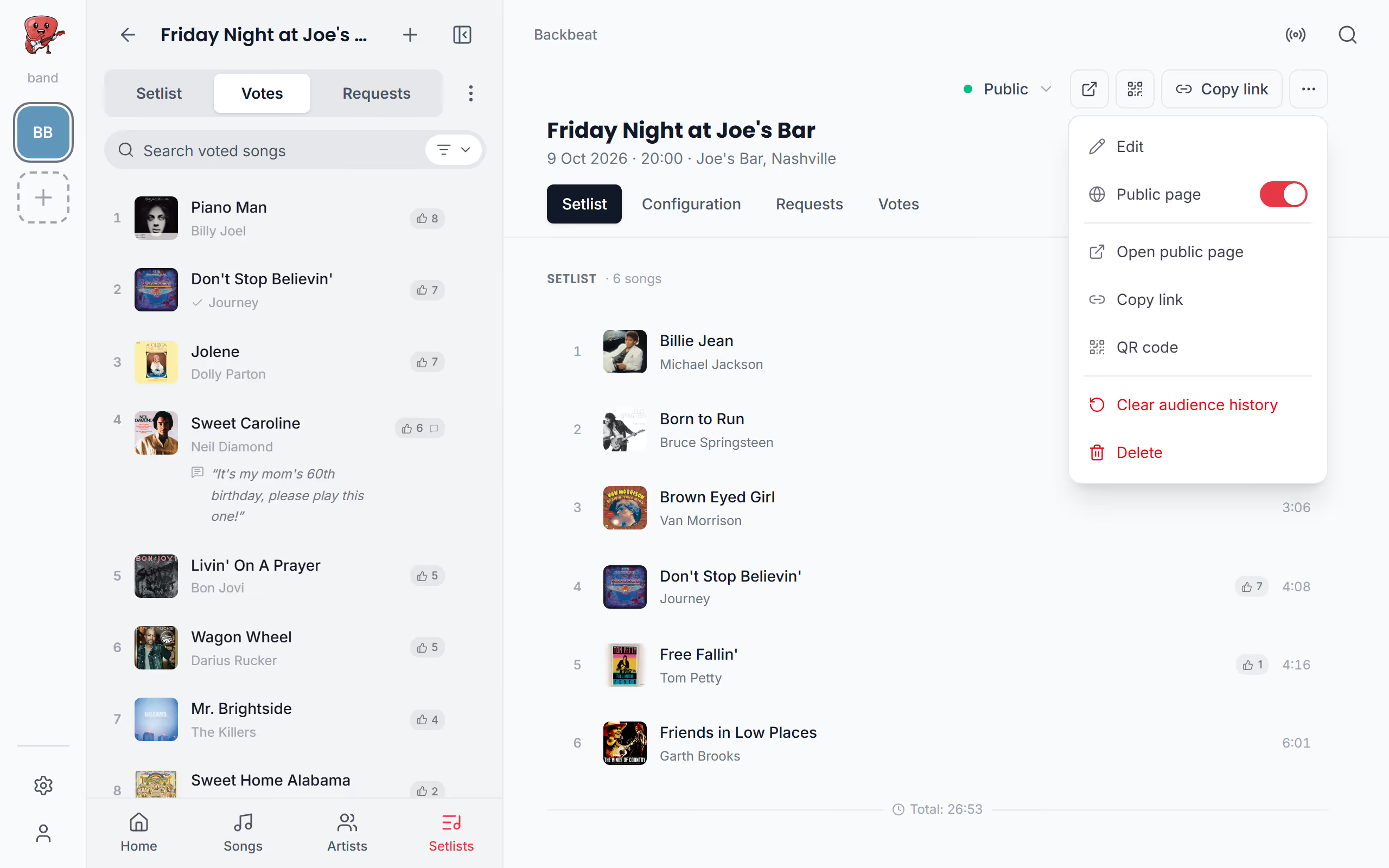
On the day of a show, the gig is the place to start. Open Gigs in the menu and tap the gig: its page opens with the setlist, the set times and what your audience is up to. At the same time its setlist opens in the menu, so the songs are ready to play as soon as you tap the first one, with the gig's Votes and Requests one tap away beside it.
- Stage Pro
Upcoming and past gigs
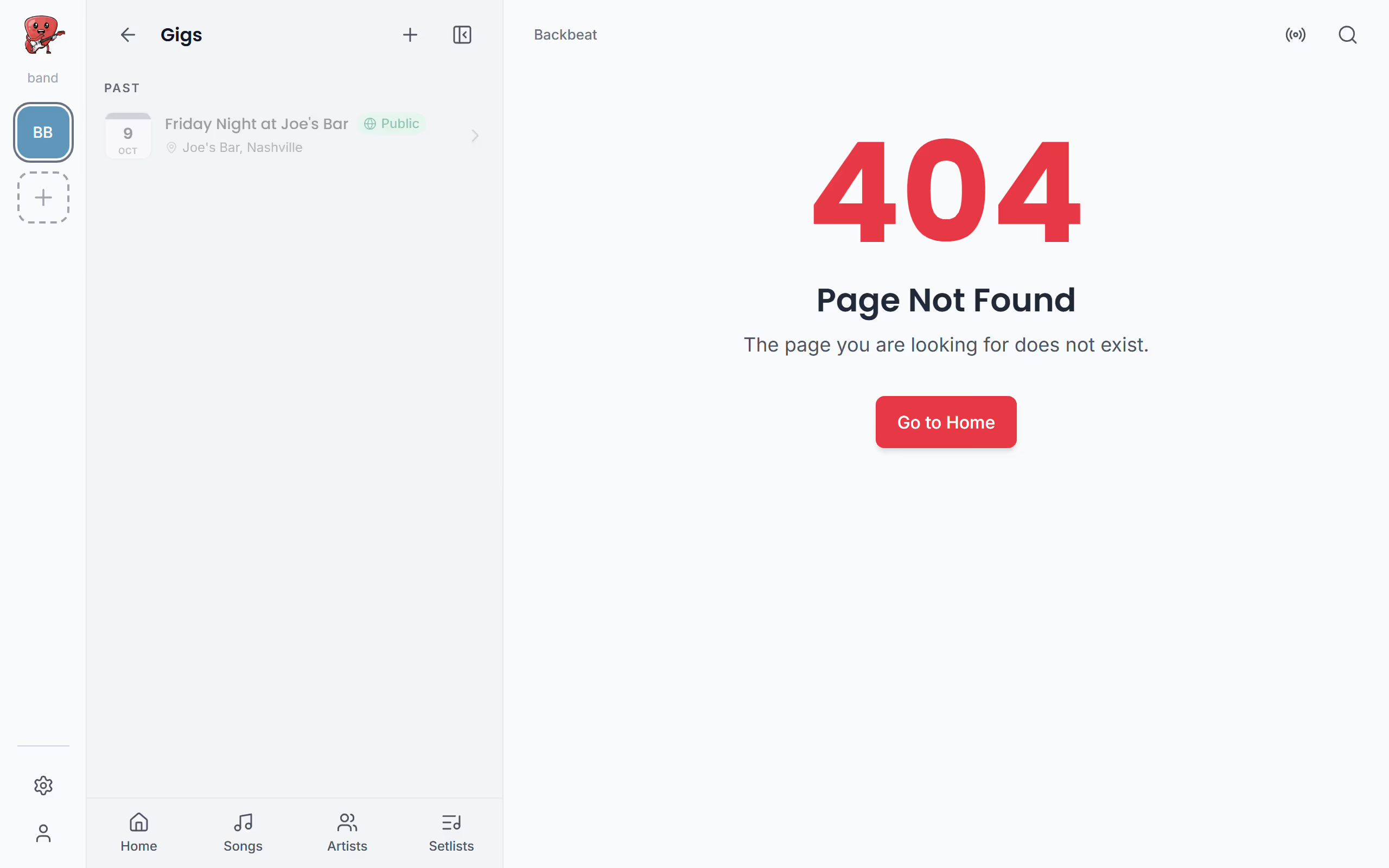
The list is split into Upcoming and Past, so the next show is never buried under old ones. A gig moves to Past during the night after it, at three in the morning, which means a late show that runs past midnight stays in Upcoming until it's over. Each gig in the list shows whether it's Public or Private, and when song requests are on, how many requests are waiting for you, so you can see at a glance if the audience has been busy.
Create a gig
Create the gig as soon as it's booked, even if the set isn't. Tap + in the menu and choose New gig, or, before you have any gigs, tap Create new gig in the empty Gigs list. The title and the date are all you need; the time starts at 20:00 and you can change it now or later. Add venue and Add description are mostly for the gig's public page, if you make one, where your audience sees where you play.
Once you tap Create gig, the gig opens with an empty setlist named like the gig, and you fill it like any other setlist. Without Stage Pro, New gig shows a lock and offers an upgrade instead.
- Stage Pro
Public or private
A private gig is only for your band, which suits a rehearsal weekend or a wedding where nobody needs a link. A public gig gets a page you can share with your audience, where they can see the setlist, vote for songs and request them. You choose Private or Public at the top of the form when you create the gig, and it starts out private.
You can change it at any time: tap the gig's status on the gig page and choose under Who can see this gig, switch Public page in the gig page's three dots, or change it under Edit. See Share your gig for the link and what guests see.
Change the date, the place or the name
Shows move, and venues change their minds. On the gig page, open the three dots and choose Edit to change the name, the date, the time and the place; from the menu, the gig's three dots have Edit gig, which opens the same form, and you finish with Save changes. If you rename the gig, its setlist takes the new name too, so the two always match in your list of setlists.
Starts on your gig's page. Not there yet? See Open your gig.
Delete a gig
If a gig is cancelled, or you made it by mistake, open the three dots on the gig page and choose Delete. Stage Friend asks Delete gig? first, since the gig, its setlist and everything else that belongs to it are removed for good. The songs themselves stay in your library, so nothing you've written or imported is lost. With the gig in place, the next step is the gig page, where you fill the setlist and see when each song starts.
Questions
- Do I need Stage Pro for gigs?
- Yes, gigs need Stage Pro, which costs $13 a month or $108 a year, and so do the public gig page, voting and song requests. Setlists work on every plan; see Prices.
- Does every gig get its own setlist?
- Yes, a gig gets its own setlist when you create it, named like the gig. It also shows among your setlists, under the filter Gig setlists.
- When does a gig move to past gigs?
- A gig moves to Past at three in the morning the night after its date. That way a show that runs past midnight stays in Upcoming until it's over.